

















Sagrika Jain


Business Review Software for Leadership Teams
The data exists. It just lives in six different places. Peoplebox.ai pulls it all together automatically, so you walk into every review ready to decide, not present.


Trusted by 600+ companies building high-performance cultures

















Most Business Reviews Are a Preparation Problem
| Without Peoplebox.ai | Peoplebox.ai Adapts |
|---|---|
| Manually pulling data from Jira, Sheets, Asana before every meeting | OKRs and KPIs auto-update from your existing tools |
| Goals live in a deck that’s already outdated by the time you present | Real-time dashboards reflect where things actually stand |
| Every leader is working from a different version of the data | One shared source of truth for leadership |
| Blockers surface in the meeting, not before it | Red/Amber/Green status flags issues ahead of time |
| Review decks take hours to build | Presentation-ready dashboards, built automatically |
How Peoplebox.ai Runs Business Reviews
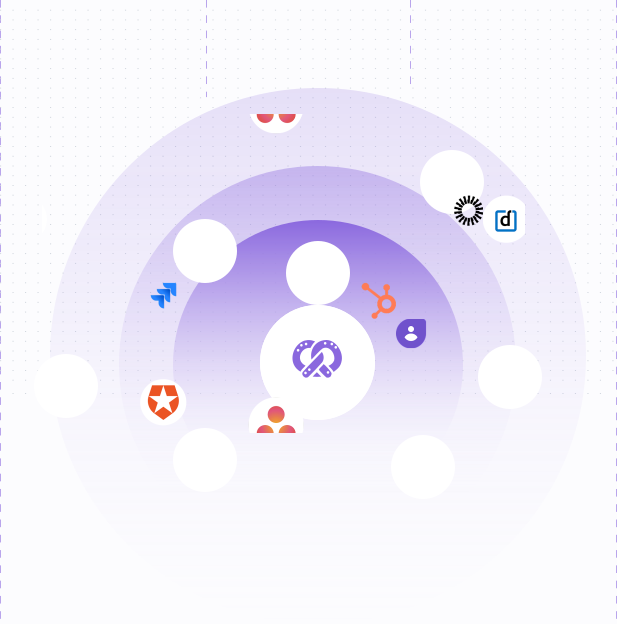
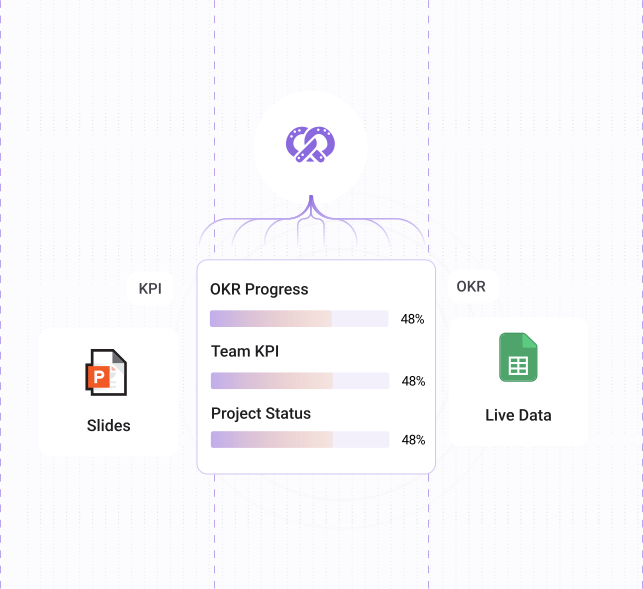
OKRs, KRAs, and KPIs auto-sync from Jira, Asana, Google Sheets, and 35+ tools. Progress updates as work moves. AI-generated summaries surface patterns so leadership sees the full picture, not just individual data points.
Connect your tools
Link Jira, Asana, Google Sheets, or any of 35+ integrations. Goal and KPI progress updates automatically — no manual entry.
Build your review dashboard
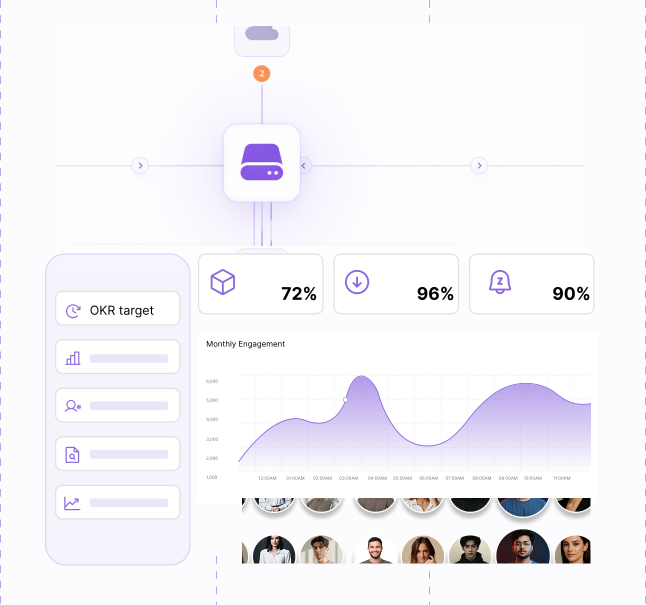
Drag in OKRs, KPIs, projects, and charts. Organize by team, department, or strategic priority. Takes minutes, not hours.
Flag blockers before the meeting
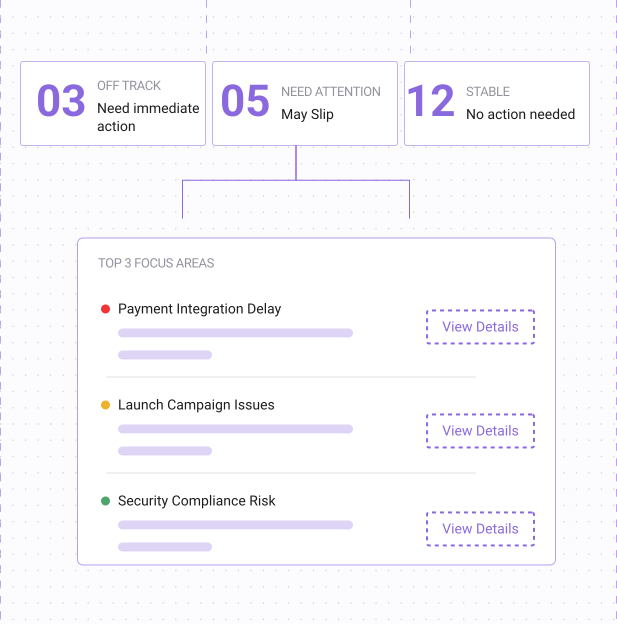
RAG (Red-Amber-Green) indicators surface what's off-track. Leaders know where to focus before they walk into the room.
Run the meeting, not the slides
Present directly from Peoplebox.ai's presentation mode. No PowerPoint exports, no scrambling to refresh numbers mid-call.
Track decisions and action items
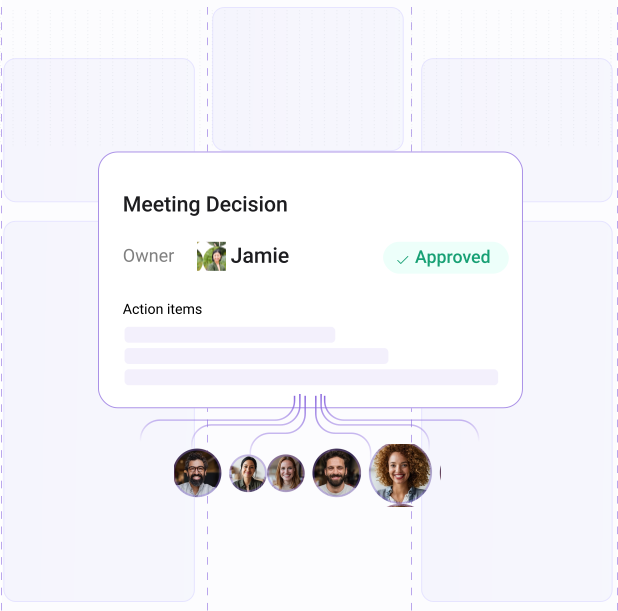
Capture what was decided and who owns it. Action items tie back to goals so nothing falls through.
What You Get
Real-Time Goal Tracking
OKRs, KRAs, and KPIs auto-sync from Jira, Asana, Google Sheets, and 35+ tools. Progress updates as work moves. AI-generated summaries surface patterns so leadership sees the full picture, not just individual data points.
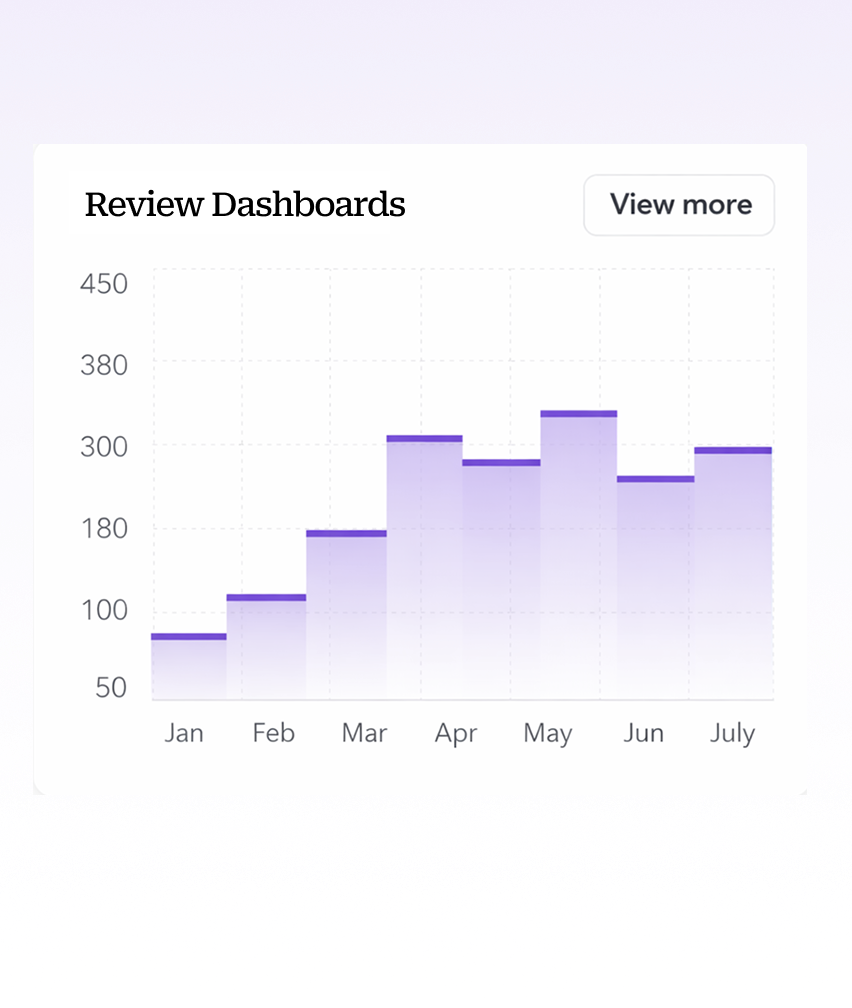
Custom Review Dashboards
Drag and drop OKRs, KPI boards, charts, and narrative sections into a layout that fits your meeting. Present directly from Peoplebox.ai or share with leadership ahead of time. Every dashboard reuses itself next cycle.
Blocker Identification
RAG analysis flags at-risk goals and projects before the meeting starts. Leaders see what needs attention and from which team. The conversation shifts from "what's the status?" to "how do we fix it?"
Action Item Tracking
Capture decisions and assign ownership inside the review, tied to the goal it came from. Action items carry forward automatically to the next cycle so nothing gets lost between meetings.
Your next business review is already built. You just need to connect your tools.
Request a DemoWhat HR Leaders Are Saying
Since we started using Peoplebox.ai, we have been able to bring all of our leadership across the organization together and show them how all of our goals align

Jaclyn Hoover
Senior Director HR, Propel School


What stood out is the deep understanding of the Peoplebox.ai team and their willingness to listen & enhance the platform to scale with our long-term needs.

Khilan Haria
VP and Head of Payments Product, Razorpay
93%
Less time spent on admin
tasks for reviews.

Driving the entire interface through slack is simply brilliant especially for a tech product company! There was zero time spent on training! It can not get easier than that!

Swapna Nair
VP - HR, Khatabook
I'm glad that we partnered with Peoplebox.ai for our company-wide OKR rollout. Thanks to its simplicity, we achieved significant adoption within two quarters

Rohit Arumugam
Business Head, Nova Benefits

60+
Hours saved by HR per cycle by eliminating feedback-chasing
I chose Peoplebox.ai because it had integrations with the tools we use for sales and engineering to automate updating of key results and sync projects

Dominic Williamson
CTO, Hindsite

100K
Employees empowered worldwide






Built for Teams Running Strategy Reviews
CEOs and Founders
Get a real-time view of execution across every team. Walk into every review knowing where things stand, where they are at risk, and what needs a decision.
Chiefs of Staff
Stop building the review deck manually. Set up a dashboard once and reuse it every cycle.
VPs and Department Heads
Show progress on your team's OKRs and KPIs in context with the rest of the business. Flag what needs executive attention.
HR and People Leaders
Connect people goals to business goals. Show leadership how performance data maps to company-level outcomes.
Works inside the tools your team already uses
Business review dashboards pull live data from Jira, Asana, Google Sheets, and 35+ other tools automatically. No manual updates before the meeting, no stale numbers in the room.
Frequently Asked Questions
How is this different from just using a PowerPoint or Google Slides deck?
Slides are static. You build them, present them, and they’re outdated the next day. Peoplebox.ai dashboards pull live data, so what you’re presenting is always current. No rebuilding the deck before every meeting.
Does Peoplebox.ai replace our existing project management tools?
No. It integrates with them. Jira, Asana, Google Sheets, and other tools continue to be where your teams work — Peoplebox.ai just pulls the data automatically and surfaces it in your review dashboards.
Can we customize dashboards for different meetings?
Yes. You can build separate dashboards for MBRs, QBRs, department reviews, or any other cadence. Each dashboard can pull different OKRs, KPIs, and charts depending on the audience.
Can we share or export review dashboards?
Yes. Dashboards can be shared with leadership, and Peoplebox.ai has a built-in presentation mode so you can run the meeting directly from the platform without exporting to another tool.
How long does setup take?
Most teams are running their first review in Peoplebox.ai within a week. Connecting integrations and building your first dashboard takes a few hours, not a few months.
Does it work for both MBRs and QBRs?
Yes. You control the cadence. Some teams use it weekly, some monthly, some quarterly. The dashboards update in real time regardless of how often you review.