Managing employee performance shouldn’t feel like an uphill battle. Yet many organizations still rely on outdated spreadsheets and annual review meetings that nobody enjoys.
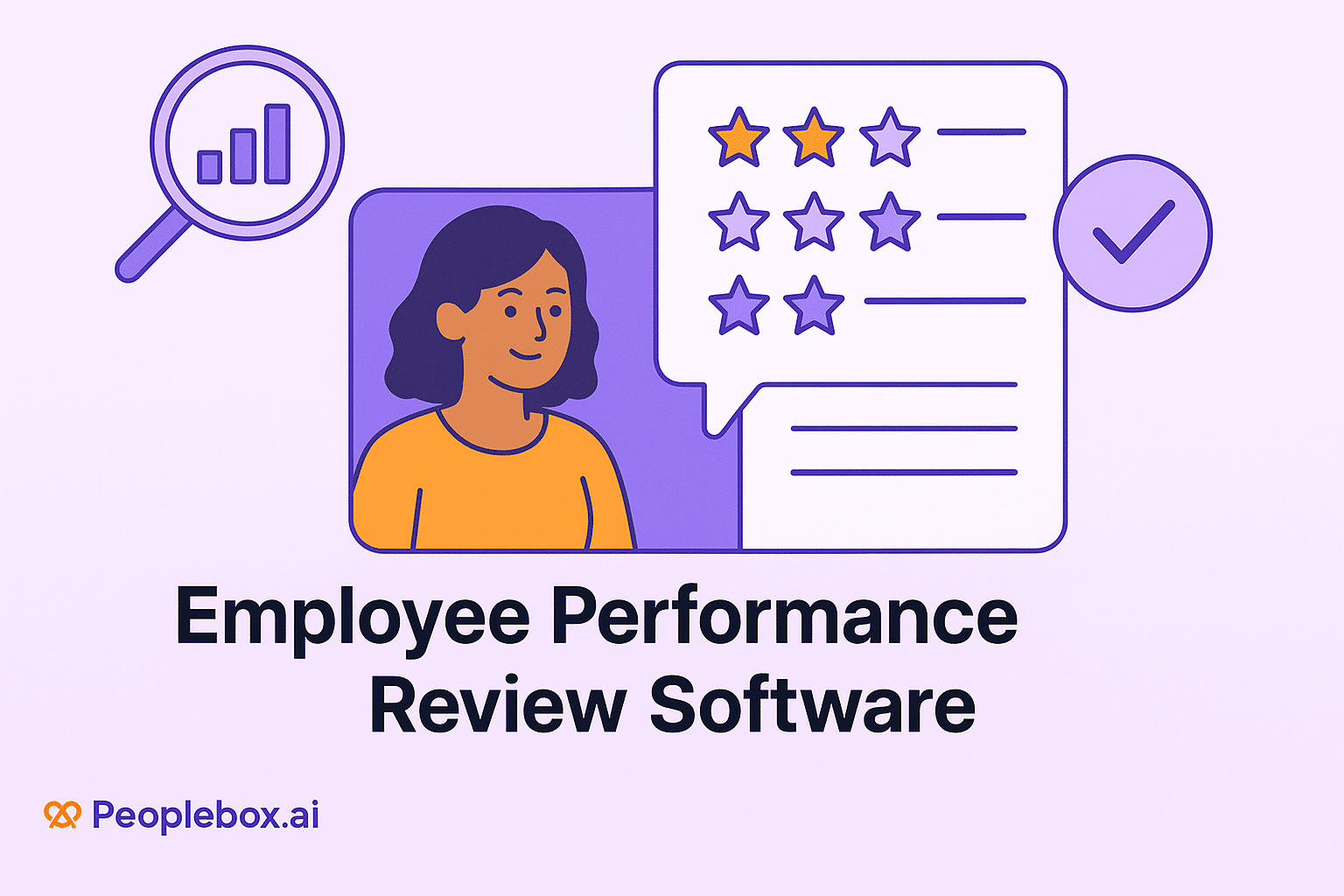
Employee performance review software changes this entirely. It centralizes evaluations, goal tracking, and continuous feedback in one accessible platform that works for everyone.
The market recognizes this shift. The global employee performance management software market was valued at around USD 6.5 billion in 2024 and is projected to reach USD 17.1 billion by 2033, growing at a CAGR of ~10.7%.
This growth reflects a simple truth: teams need better tools to manage performance, provide feedback, and help employees grow in their roles.
What is Employee Performance Review Software?
Employee performance review software is a digital platform that modernizes how organizations track and evaluate employee performance. Instead of relying on annual reviews buried in spreadsheets, this software creates a centralized hub for ongoing performance conversations.
The platform captures feedback from multiple sources, automates review cycles with timely reminders, and maintains a complete history of performance data.
This creates transparency and fairness, ensuring evaluations are based on consistent, documented evidence rather than recency bias or incomplete memories.
Two main types exist:
- Standalone tools:
- These focused platforms specialize in performance review software without the complexity of full HR suites.
- They offer customizable templates, automated workflows, goal tracking, and feedback collection.
- They’re cost-effective and straightforward, making them ideal for small to mid-sized teams that need powerful review capabilities without enterprise-level overhead.
- Comprehensive HR suites:
- These all-in-one platforms integrate performance reviews with recruitment, payroll, learning management, employee pulse surveys, and analytics.
- While they require higher investment and include features some organizations may not need immediately, they eliminate data silos and provide unified insights across the entire employee lifecycle.
- They scale naturally as companies grow, making them essential for mid-sized to large organizations managing complex HR processes.
Why Use Online Performance Review Software?
1. Streamlined review process
Performance review software automates the entire review workflow, making the process smoother and more efficient:
- Sends automated reminders to participants so deadlines aren’t missed
- Provides online forms that route automatically to the right stakeholders
- Eliminates the back-and-forth email chains that plague manual processes
- Saves HR teams hours of administrative work
- Ensures nothing falls through the cracks
2. Data-driven evaluations
Real-time performance data replaces gut feelings. The software delivers concrete insights that improve decision-making:
- Tracks metrics over time to show performance patterns
- Identifies high performers and those needing support
- Surfaces trends that would otherwise remain hidden
- Backs promotion and development decisions with evidence, not assumptions
3. Enhanced feedback culture
Modern platforms support continuous feedback and 360-degree employee reviews, moving beyond the once-a-year performance conversation:
- Employees receive input from peers, direct reports, and managers throughout the year
- Creates psychological safety around performance discussions
- Normalizes ongoing feedback rather than making it feel like rare, high-stakes events
- Builds a culture where improvement is continuous, not annual
4. Improved employee engagement and retention
Recognition and actionable feedback drive engagement. When employees feel valued and supported, they stay longer:
- Employees see clear paths for growth within the organization
- They receive specific praise for their contributions
- They understand exactly how to improve and advance
- Organizations with robust performance review platforms consistently report lower turnover rates
Together, these reflect the advantages of performance management and underline the importance of building a thriving workplace through structured evaluation processes.
|
Ready to improve your performance reviews with Peoplebox?
See how Peoplebox.ai simplifies performance reviews, aligns goals, and drives continuous growth across your organization. Turn feedback into real results with an all-in-one performance management platform.
Schedule a Demo
|
How Does an Employee Performance Review Software Work?
Employee performance review software operates through a structured workflow that brings order to the evaluation process.
Step 1: Setup and configuration
HR administrators configure review cycles (quarterly, bi-annual, or annual), select review types (self-reviews, manager reviews, 360-degree feedback), and customize templates to match organizational competencies and job-specific criteria.
Step 2: Automated notifications and reminders
When a review cycle launches, the system automatically notifies participants. It sends reminders as deadlines approach, ensuring managers and employees complete their assessments on time without HR needing to chase anyone down.
Step 3: Multi-source feedback collection
- Employees complete self-assessments
- Managers provide their evaluations
- For 360-degree reviews, peers and direct reports submit anonymous feedback
- The software aggregates all inputs into a comprehensive view of each employee’s performance
Step 4: Review meetings and documentation
Managers and employees meet to discuss the consolidated feedback. During or after this conversation, both parties can add notes, set development goals, and document agreed-upon action items directly in the platform.
Step 5: Analytics and reporting
The software generates reports showing:
- Performance distributions across teams
- Review completion rates
- Goal progress tracking
- Trends across departments
HR leaders use this data to identify skill gaps, succession planning needs, and areas where additional training would drive the most impact.
Step 6: Continuous tracking
Between formal review cycles, employees update goal progress, managers provide ongoing feedback, and the system maintains a running record that informs the next evaluation. This transforms employee performance management software from an annual event into a continuous development process.
Key Features to Look For in Employee Performance Review Software
1. Goal setting and tracking
The platform should support SMART goal creation, track progress over time, and enable alignment between individual objectives and company priorities. OKR software integration helps employees and managers see what’s on track and what needs attention through visual dashboards.
2. Customizable review templates
Different roles require different evaluation criteria. The software must allow you to create templates tailored to specific positions, competencies, and performance metrics relevant to your organization.
3. 360-degree feedback collection
Comprehensive evaluation requires input from multiple perspectives. 360-degree feedback software enables organizations to gather well-rounded insights that single-source reviews simply can’t provide.
Look for systems that collect feedback from:
- Managers
- Peers
- Direct reports
- Self-assessments
The system should maintain anonymity to encourage honest responses.
4. Integration with HR/payroll systems
Your performance evaluation software should integrate seamlessly with existing HR systems, payroll platforms, and applicant tracking systems. This eliminates duplicate data entry and ensures compensation decisions reflect performance data.
5. Reporting and analytics dashboards
Robust reporting capabilities surface performance trends, identify skill gaps, and support data-driven decisions. Exportable reports ensure stakeholders can analyze data in their preferred format.
6. Mobile accessibility
Remote and hybrid teams need mobile access. Employees should be able to complete reviews, provide feedback, and update goals from anywhere, on any device.
How to Choose the Right Employee Performance Review Software?
1. Assess company size and needs
Small teams need simple, affordable solutions focused on core review functionality. Larger organizations benefit from comprehensive performance management software that integrates performance with compensation, succession planning, and learning management. Match the platform’s complexity to your actual requirements.
2. Cloud-based vs. On-premise
Cloud platforms offer:
- Flexibility and accessibility from anywhere
- Automatic updates
- Lower IT maintenance burden
On-premise solutions provide:
- Greater control over data
- Necessary compliance for regulated industries
Most modern teams choose cloud-based systems for their ease of deployment and maintenance.
3. Scalability & integration options
Your chosen platform should grow with your organization. Verify it can handle increasing employee counts without performance degradation. Confirm it integrates with your existing HR tech stack:
- Payroll systems
- Applicant tracking systems
- Learning management platforms
- Business intelligence tools
4. User-friendliness and adoption rate
Complex interfaces kill adoption. No matter how powerful the features, employees and managers won’t use software that feels cumbersome. Request demos, involve end users in the selection process, and prioritize platforms with intuitive interfaces and strong onboarding support.
5. Pricing models
Understand the total cost of ownership:
- Per-user-per-month subscriptions scale with headcount
- Tiered pricing may offer better value at certain company sizes
- Watch for hidden costs like implementation fees, training charges, or premium support
Calculate costs at your current size and projected growth to avoid budget surprises.
How to Implement Online Performance Review Software?
Phase 1: Planning and stakeholder alignment (Weeks 1-2)
Secure buy-in from executive leadership, HR, and department managers. Form an implementation team with representatives from each stakeholder group. Define clear objectives: What specific problems are you solving? What does success look like?
Phase 2: Platform configuration (Weeks 3-4)
Set up review cycles, customize templates to reflect your competency framework, configure access permissions, and integrate with existing HR systems. Import historical performance data if available and relevant.
Phase 3: Pilot program (Weeks 5-6)
Launch with a single department or team. This limited rollout helps identify issues before company-wide deployment. Gather feedback from pilot participants about:
- User experience clarity
- Template effectiveness
- Workflow efficiency
Phase 4: Training and communication (Weeks 7-8)
Develop training materials, including:
- Video tutorials
- Written guides
- FAQ documents
Host training sessions for managers (who need deeper knowledge) and employees (who need basic navigation skills). Communicate the “why” behind the change, not just the “how.”
Phase 5: Full rollout (Week 9+)
Deploy to the entire organization. Provide hands-on support during the first review cycle. Monitor completion rates and address adoption challenges quickly. Collect feedback continuously to refine templates and processes.
Phase 6: Continuous improvement (Ongoing)
Review analytics quarterly:
- Are reviews being completed on time?
- Do employees understand their goals?
- Are managers providing quality feedback?
Use this data to refine your approach and ensure the platform delivers ongoing value.
Best Practices for Using Performance Review Software
1. Make feedback continuous, not annual
Replace the once-a-year review with ongoing check-ins. Quarterly or even monthly conversations keep feedback timely and relevant, preventing the “surprise” factor that annual reviews often create.
2. Train managers on quality feedback
The best software can’t compensate for poor feedback. Invest in manager training that teaches specific, actionable feedback techniques. Managers should learn to:
- Cite concrete examples
- Connect feedback to business impact
- Focus on behaviors, not personalities
3. Involve employees in the process
Solicit feedback on review templates and processes. When employees help shape the system, they’re more likely to engage with it. Their frontline perspective often reveals friction points leadership might miss.
4. Align reviews with business objectives
Every performance conversation should connect individual work to company goals. This alignment helps employees see how their efforts contribute to organizational success and ensures reviews drive strategic priorities.
5. Maintain confidentiality and trust
Anonymous feedback, especially in 360-degree reviews, must remain truly anonymous. If employees suspect their input can be traced back to them, they’ll provide watered-down feedback that defeats the purpose.
6. Regularly review and update templates
Business priorities shift. Review competencies and evaluation criteria annually to ensure they reflect current organizational needs. Remove outdated metrics and add new ones that support your changing strategy.
7. Celebrate wins and progress
Use the platform to recognize achievements, not just address gaps. Acknowledgment drives engagement. Highlight performance improvements and goal completions publicly when appropriate, reinforcing the behaviors you want to see.
What Are The Common Mistakes to Avoid?
1. Relying only on annual reviews
Annual reviews are too infrequent for effective feedback. Performance issues continue unchecked, achievements are forgotten, and employees lack the regular input they need to course-correct. Establish quarterly check-ins at a minimum.
2. Ignoring employee feedback on the software
Your team uses the platform daily. If they report that templates are confusing, workflows are clunky, or mobile access is broken, take those concerns seriously. User feedback drives meaningful improvements.
3. Overcomplicating review templates
Lengthy, jargon-heavy templates discourage completion. Keep evaluations focused on the most critical competencies. Aim for clarity over comprehensiveness. Employees and managers should be able to complete reviews without needing a manual.
4. Not aligning reviews with business goals
If performance evaluations don’t connect to strategic priorities, they become administrative busywork. Ensure every competency and goal ladder up to departmental and organizational objectives.
5. Treating software as a silver bullet
Technology enables better processes, but it doesn’t fix poor management or unclear expectations. The platform is a tool. Success still depends on leadership commitment, manager capability, and organizational culture.
Transform Your Performance Reviews with Peoplebox
Performance reviews shouldn’t be the thing everyone dreads. With Peoplebox.ai, they become natural conversations that drive real growth and improvement.
Peoplebox gives you everything you need in one platform:
- Customizable review templates that match your workflow
- 360-degree feedback that surfaces honest insights
- OKRs & Goal tracking that connects individual work to company objectives
- Analytics dashboards that reveal performance trends
- Mobile access so teams can engage from anywhere
Companies using Peoplebox.ai report faster review cycles, higher completion rates, and employees who actually understand how to improve and grow.
The platform integrates seamlessly with your existing HR tools, eliminating duplicate data entry and keeping everything in sync. Whether you’re a 50-person startup or a 5,000-person enterprise, Peoplebox scales with your needs.
See how Peoplebox.ai transforms performance management from an annual checklist into a culture of continuous feedback and growth → Schedule a Demo
Frequently Asked Questions
1. What is the difference between performance review software and performance management software?
Performance review software focuses specifically on the evaluation and feedback process, including conducting reviews, collecting 360-degree feedback, and documenting assessments. Performance management software is broader, covering goal setting, continuous feedback, development planning, and often integrating with compensation and succession planning.
2. How often should we conduct performance reviews using the software?
Most organizations conduct formal reviews quarterly or biannually, supplemented by monthly or weekly check-ins. The software should support both structured review cycles and ad-hoc feedback to create a continuous performance culture rather than relying on annual evaluations alone.
3. Can small businesses benefit from performance review software?
Absolutely. Standalone performance review tools are affordable and designed for small teams. They eliminate spreadsheet chaos, ensure consistency in evaluations, and create documentation that’s crucial as companies grow. Even five-person teams benefit from structured feedback processes.
4. Is employee data secure in cloud-based performance review systems?
Reputable platforms use enterprise-grade security, including encrypted data transmission and storage, regular security audits, compliance with GDPR and SOC 2 standards, and role-based access controls. Verify the vendor’s security certifications and data handling practices during the selection process.
5. What’s the typical implementation timeline for performance review software?
Small organizations can implement in 4-6 weeks. Mid-sized companies typically need 8-12 weeks to configure, pilot, train, and roll out. Large enterprises with complex requirements and multiple integrations may require 3-6 months for full deployment.