Every day a role stays open costs your company thousands in lost productivity. Meanwhile, your competitors with streamlined processes are snagging the best talent before you even schedule first interviews. Remote work has only made things worse, exposing the fatal flaws in recruitment strategies that worked just a few years ago.
Modern online recruitment tools are changing the game. In this guide, we’ll walk you through the 15 best recruitment tools of 2026 that are helping companies cut their hiring time in half and find better candidates.
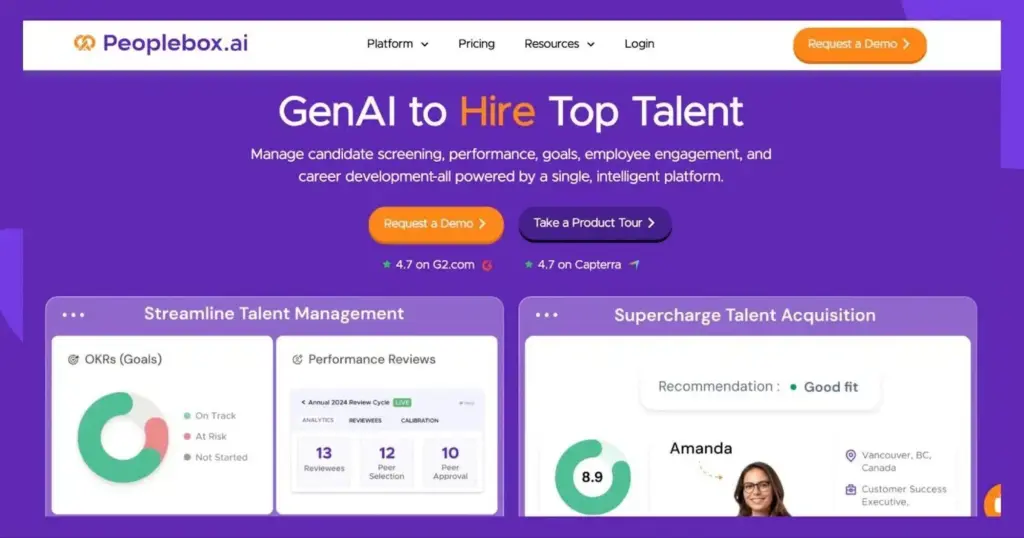
Peoplebox.ai blends advanced talent management and acquisition capabilities to help you streamline hiring and reduce time to hire. The platform can be integrated into your existing workplace tools, such as HRIS systems or communication platforms, to ensure that your existing workflows are uninterrupted.
The platform is also powered by an intelligent AI system that ensures everything from resume screening to role matching is automated without compromising accuracy.
Key Features
Automated Resume Parsing: This feature extracts and organizes key candidate details from resumes into structured data formats. This enables easy search and analysis, saving you hours of manual work. It also ensures consistency in candidate records.
AI-Powered Skills Matching: You can leverage AI to assess candidate skills, including both technical and soft skills, against job requirements. This ensures that your hiring accuracy is consistently high and there are no mismatches and hiring delays.
Experience Validation: Peoplebox.ai automatically verifies candidate experience claims by cross-referencing past roles and projects. It also uses industry benchmarks for accuracy, thereby reducing the risk of misrepresentation.
Multi-Role Matching: Peoplebox.ai can effortlessly match candidates to multiple open positions simultaneously. This greatly reduces sourcing time and improves efficiency.
Candidate Ranking: In this feature, the candidates are automatically ranked based on their qualifications, skills, and overall fit for the role. This speeds up decision-making and helps you focus only on top candidates instead of manually sorting through large applicant pools.
Profile Enrichment: Peoplebox.ai enhances your candidate profiles by incorporating publicly available data. It offers a comprehensive view beyond just resumes, enabling better hiring decisions.
Pricing
Peoplebox.ai offers several plans that are tailored to the specific needs of your business. Here are they:
Talent Management: This plan is priced at $7/user/month and offers key features like performance reviews, 1:1s, engagement surveys, and growth paths.
OKR Platform: This plan is priced at $8/user/month and offers access to features like OKRs, business reviews, project management, KPIs board, and 1:1s.
Full Suite Professional: Costing $12/user/month, this plan offers all features from the Talent Management and OKR Platform plans. .
Full Suite Premium: Costing $15/user/month this plan offers everything in Full Suite Professional plan plus a dedicated success manager, onboarding support, and manager training.
Enterprise: This plan includes all premium features plus tailored integrations, SSO, and custom implementation. Pricing is available upon request.
*All prices are based on annual billing.
2) Toggl Hire
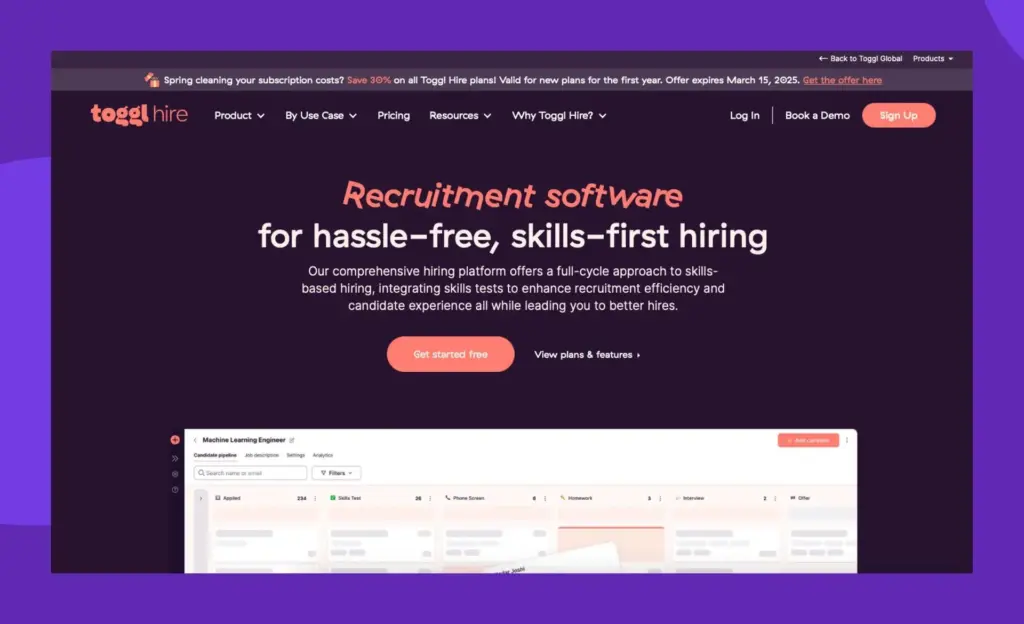
Toggl Hire is a full-cycle recruitment software that is focused on skill-based hiring. The platform offers a variety of skills tests that help you find the best candidate for your business in the shortest possible time. Toggl Hire also automates most of the tasks involved in your recruitment process thanks to its native tools.
Key Features
Custom Tests: You can create your own skills tests by picking and mixing questions from Toggl Hire’s dedicated question library or creating your own set of questions from scratch.
Async Interviews: This is a useful way to create real human interaction at scale. The feature lets you build short, pre-recorded video interviews. For instance, you can use it to request two-minute-long video interview answers from candidates to test their communication skills
Branded Job Landing Pages: You can create branded landing pages to display your job openings or present your company’s values. The pages are fully customizable and can be tailored to suit your brand guidelines.
Pricing
Toggl Hire provides a forever-free plan with basic features and one skill test. Their Starter plan ($199/month) offers unlimited skill tests with three active job openings, while Premium ($399/month) removes all limitations on tests and job openings for comprehensive recruitment needs.
3) Deel
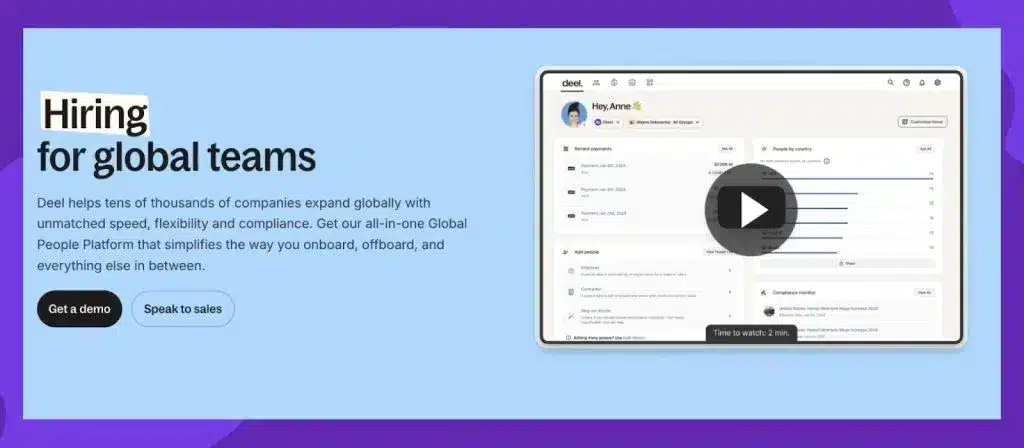
While Deel is predominantly a payroll and compliance software, it has also carved a name for itself as an EOR tool that lets you recruit employees from 150+ countries without actually having an entity there. The platform also handles devices for your employees as it can supply/lease laptops and other mobile devices to employees in over 124 countries.
Key Features
Documents: The platform handles candidate documentation and signatures so that you need not rely on other tools for the same.
Reporting: Gives you an understanding of the cost of hires at a global level by analyzing deductions and contributions. It is an ideal way to keep track of your candidate data so that you can effortlessly perform growth trend analyses.
Onboarding: Deel takes care of employee onboarding no matter where the employees are located. From adhering to minimum wage requirements to collecting country-specific documents, the platform takes care of everything.
Pricing
The EOR plan, costing $599 per month, offers the ability to hire international employees. It provides key features like 360º employee compliance, benefits management, and centralized reporting.
4) Spark Hire
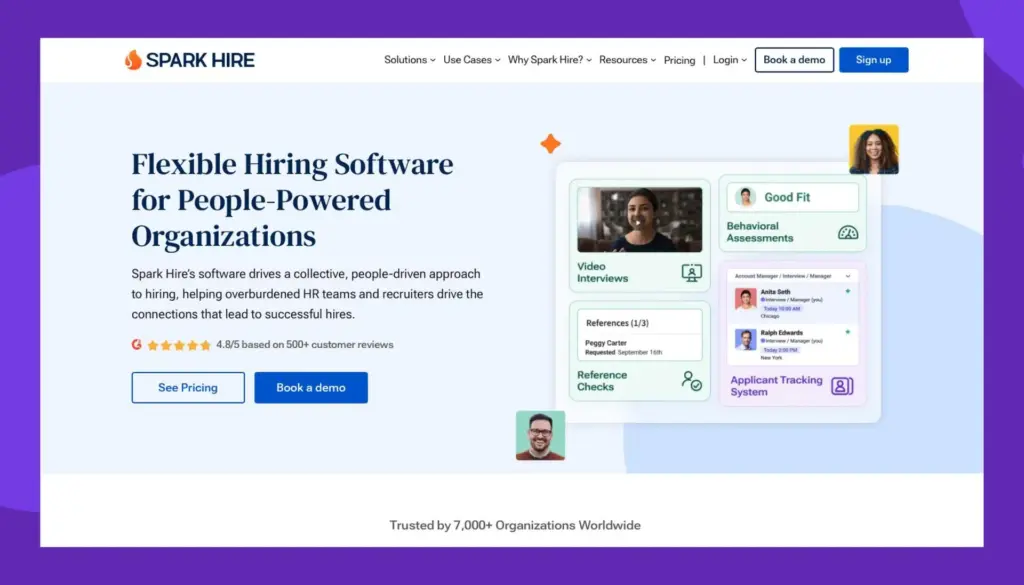
Spark Hire is a people-driven recruitment software that lets you customize your hiring process as per the role requirements. This is made possible thanks to a user-friendly drag-and-drop workflow builder. The platform also integrates with over 40 ATSs so that you have a single source of truth for all your candidate data.
Key Features
One-way Video Interviews: This feature lets you evaluate more candidates in less time. The interviews can also be instantly shared with other hiring managers to get their feedback.
Predictive Talent Assessment: This powerful assessment tool is backed by science and lets you identify candidates who are not only suitable for the role but also thrive in the long run.
Automated Reference Checks: This feature helps request and complete digital reference checks without any manual intervention. This means no more back-and-forth communication or manual scheduling.
Pricing
Spark Hire offers role-based pricing with Meet Pro ($299/month) for video interviews and reference checks, Meet Growth ($599/month) adding predictive assessments, and equivalent Recruit plans ($399-$699/month) that include ATS functionality, with enterprise options available for larger organizations.
5) Greenhouse
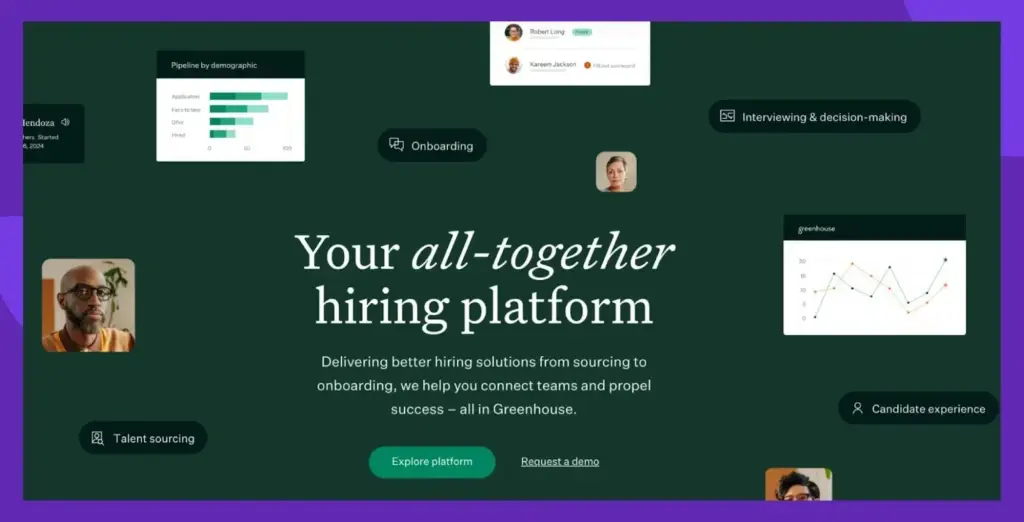
Greenhouse is a hiring platform dedicated to early stage businesses and scaling companies. The platform offers a variety of solutions, including talent sourcing, onboarding, interviews, and candidate experience. Greenhouse helps in standardizing your hiring process so that you can improve internal alignment and make accurate hiring decisions.
Key Features
Talent Sourcing: This capability of Greenhouse lets you list jobs at scale. You can post and promote all the vacant roles in your organization across thousands of job boards. The platform also helps in quickly capturing contact info so that you need not spend time on collecting it.
Referral programs – Greenhouse helps you create and manage referral programs so that you get access to quality talent without spending too much time and effort.
Integrations: Greenhouse can be integrated with 500+ third-party platforms so that you can easily create the tech stack you have always envisioned without the help of developers.
Pricing
Pricing is available upon request.
6) Gusto
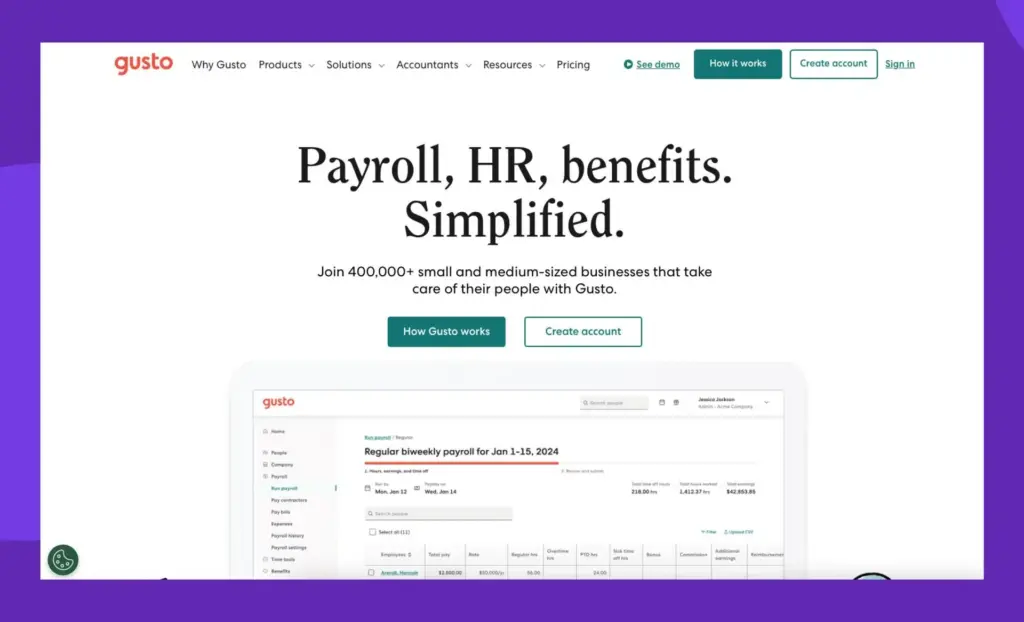
Gusto is another payroll software that offers several robust features related to recruitment. For starters, you can publicly push a job listing and even track their applications from start to end. There is also the option to share a fully customized offer letter once you hire a candidate.
Key Features
Onboarding Checklist: You can standardize employee onboarding with the help of Gusto’s onboarding checklist, which covers most of the essentials. If needed, you can also add your own points to make it fully tailored.
Software Provisioning: This unique capability of Gusto is all about creating and removing accounts for various software used in your organization by employees. You can provision or de-provision software for your employees in just a few clicks.
Document Management: This feature lets you share documents with your candidates electronically and even request electronic signatures from them. Everything is stored in your Gusto account, making the whole process device-agnostic.
Pricing
Gusto starts at $40/month for their Simple plan covering basic hiring tools, with Plus ($60/month) adding time tracking features, and Premium ($135/month) providing additional HR support and a dedicated success manager.
7) Zappyhire
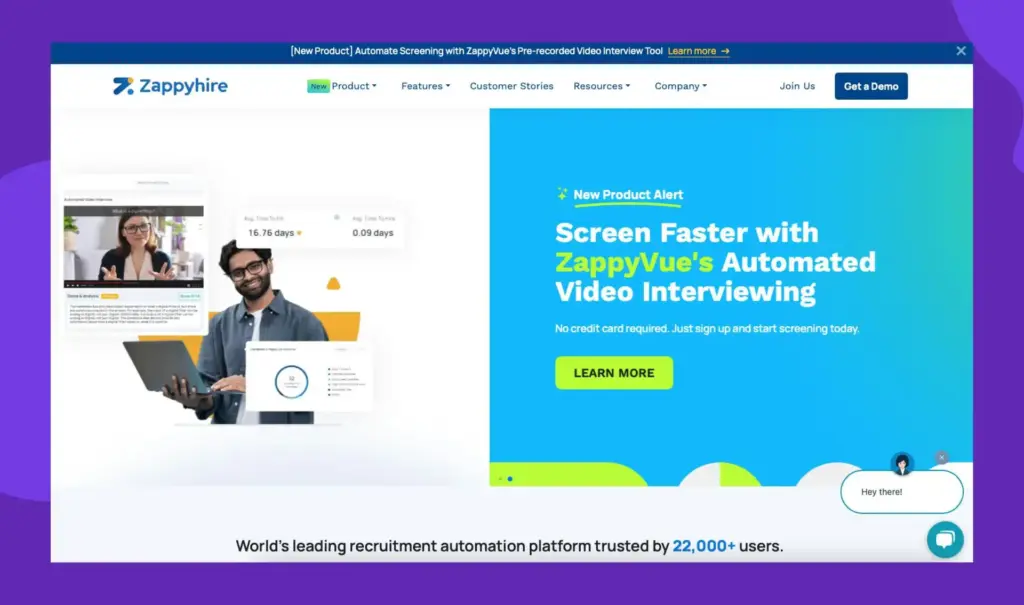
Zappyhire is predominantly an ATS that ensures that you and your candidates have a good experience throughout the recruitment process. Apart from that, Zappyhire also offers a talent acquisition suite that helps you find, attract, and engage top talent more efficiently.
Key Features
Resume Parser: This capability of ZappyHire automatically sorts through thousands of resumes quickly, converting them into a standardized format and filter out the unsuitable candidates, so that you are left with the best set of candidates for an opening.
Robotic Video Interview: These unique and automated interview functions offered by ZappyHire analyze the body language, speech patterns and other unconscious habits of your candidates in real-time.
Predictive Hiring: This feature of ZappyHire uses data-driven methods to assess your candidates and determine whether they are a good fit and can thrive in their role. This feature is quite helpful in eliminating the high cost of bad hires which is plaguing several organizations these days.
Pricing
Pricing is available upon request.
8) iSmartRecruit
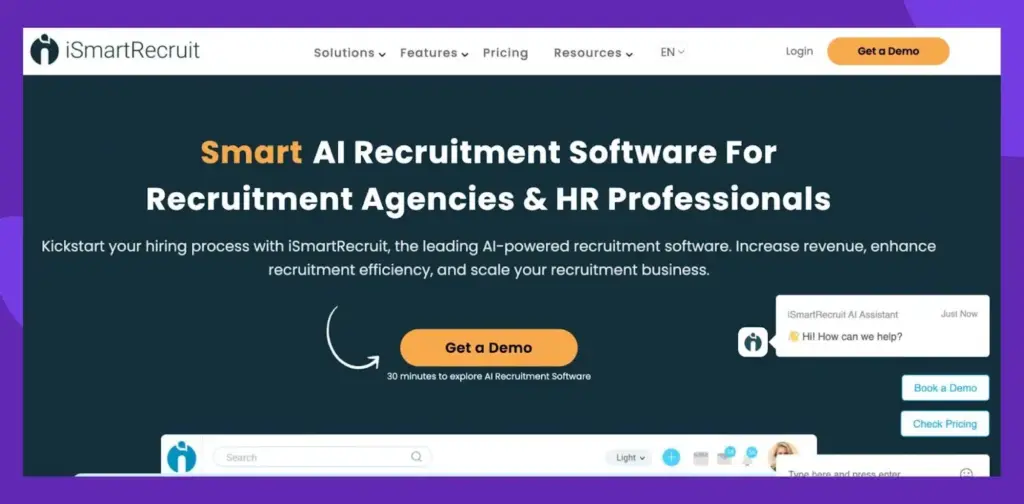
iSmartRecruit is an AI-powered recruitment marketing platform dedicated to employers and hiring agencies. The most unique aspect about iSmartRecuit is that it views the entire recruitment process from the lens of a marketer. You also have the option to engage with candidates through mass email campaigns.
Key Features
Branded Career Pages: You can create fully personalized career pages that can be used for displaying job opportunities and showcasing your culture.
Mobile Recruiting: Get a mobile-friendly application that lets you manage most of your recruitment activities on the go. From tracking your candidate’s progress to collaborating with other team members, everything is feasible from your hand-held device.
Screening Questions: Create questions to filter and screen your candidate pool so that only the most qualified candidates move to the interview round. This feature saves valuable time for your hiring managers.
Pricing
Pricing is available upon request.
9) JazzHR
JazzHR is a recruitment software dedicated to small businesses who are looking to automate their hiring activities and reduce the workload of their team. The platform ensures that you can manage multiple candidates and job listings simultaneously. JazzHR also has a user-friendly analytics dashboard that gives you an overview of all the key hiring metrics in the form of easy-to-understand graphs.
Key Features
Knockout Questions: This feature helps in screening out applicants who don’t meet essential qualifications. This allows you to focus on the most suitable candidates and eliminate unnecessary workload.
Customizable Workflows: This key feature helps in keeping your hiring process organized. From managing resumes to scheduling interviews, you can create automated workflows so that manual intervention is not needed at any stage.
Job Board Syndication: You can post job openings to multiple job boards at once with this feature. This automatically increases your visibility and helps you connect with a broader pool of qualified candidates without extra effort.
Pricing
JazzHR provides three tiers starting at $75/month for their Hero plan with three active jobs, $269/month for Plus with 200 active jobs, and $420/month for Pro with additional features like advanced reporting and e-signatures.
10) Recruitee
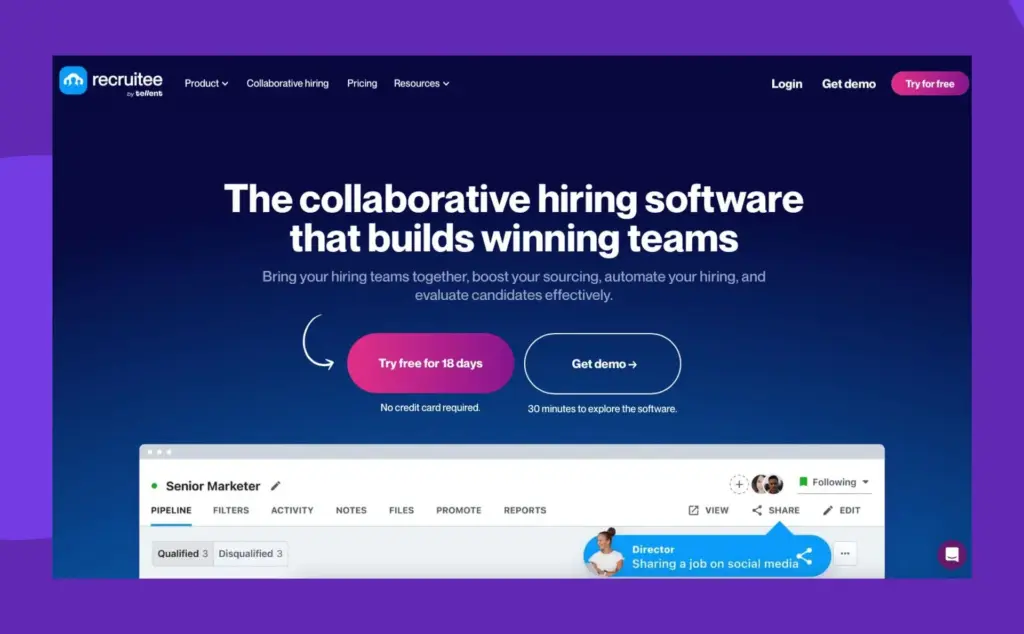
Recruitee is a collaborative recruitment software that is known for its rich repository of workflows and templates for recurring tasks to speed up the hiring process. From a low-code/no-code career site editor to smart campaigns that can be posted on multiple job boards at once, the tool gives significant importance to automation and user-friendliness.
Key Features
ReferralsHub: Use this module to create and manage your own referral program in your organization. You could send sharing links or invite participants via email. You can even gamify the whole referral program with fun rewards.
Centralized Communication: Recruitee ensures that there are no back-and-forth emails between your hiring managers while sharing feedback on a candidate. Within the platform, they can leave notes, tag colleagues, or even send reminders so that the task is completed on time.
Evaluation Templates: The platform lets you create job-specific evaluation templates that can be used for evaluating candidates in an unbiased manner.
Pricing
Recruitee offers annual plans starting at $216/month for their Start package with five job slots, $274/month for Grow with unlimited jobs, and custom-priced Optimize plans with personalized support features.
11) Manatal
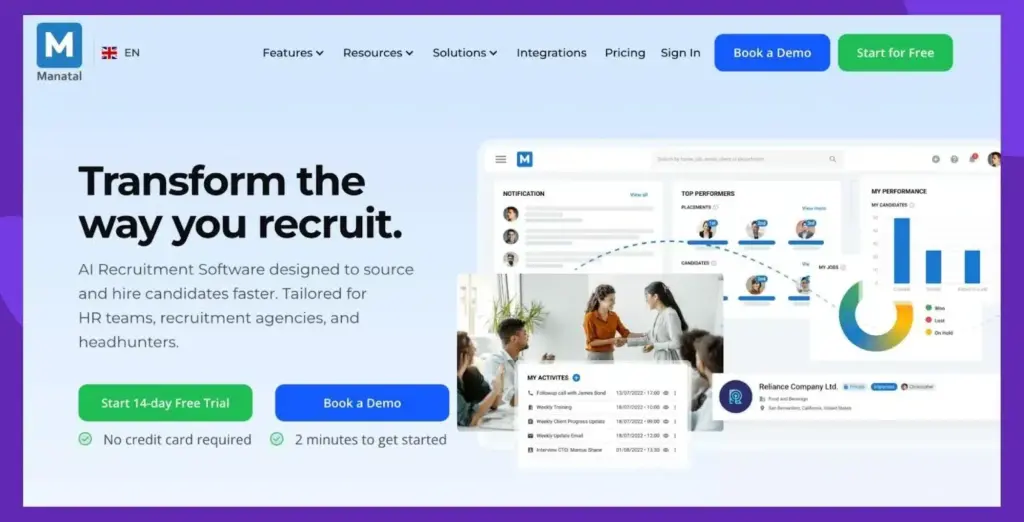
Manatal is an AI recruitment software that gives you the ability to fully customize your recruitment pipeline using a few clicks. There is a dedicated Kanban board for every organization that gives an overview of the recruiting progress. Manatal is a mobile-friendly software.
Key Features
AI Recommendations: The platform comes with an AI-powered recommendation engine that not just recommends the most suitable candidates for a job but also recommends the most suitable jobs for your candidates.
Candidate Enrichment: This feature enriches your candidate data thanks to the proprietary AI engine that browses 20+ social media and public platforms. It ensures that hiring managers gain valuable insights about the candidates that go beyond the resumes.
Analytics: You get a dedicated dashboard that gives you an overview of candidates, jobs, team members’ performance, and time-to-placement. You can also get a snapshot of different recruitment KPIs so that you can always focus on what matters most to your organization.
Pricing
Manatal provides user-based pricing at $15/user/month for Professional (15 jobs, 10,000 candidates), $35/user/month for Enterprise (unlimited jobs and candidates), and $55/user/month for Enterprise Plus with premium features like SSO and open API access.
12) Trakstar Hire
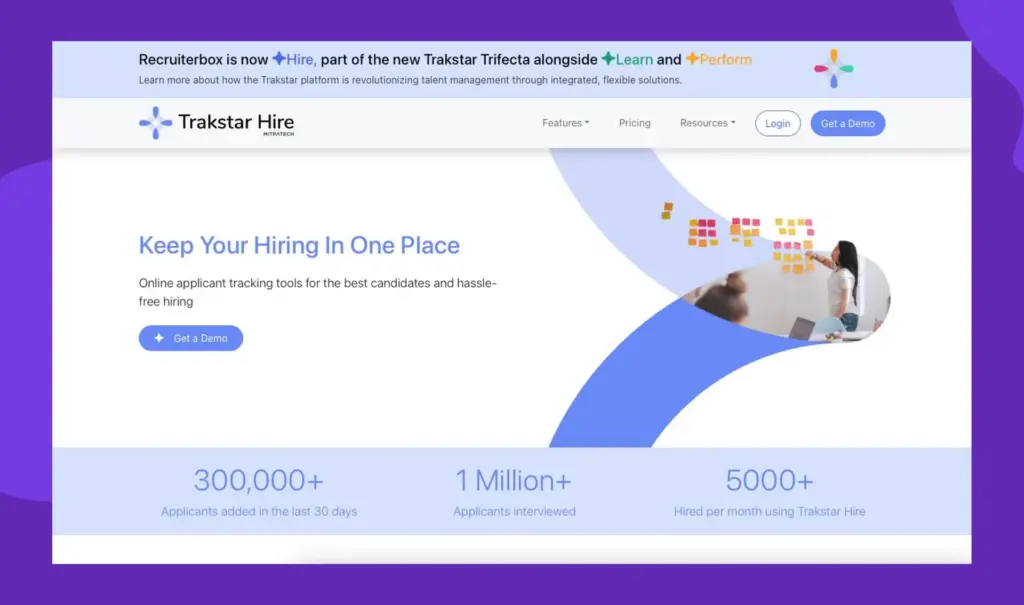
Trakstar Hire is a multi-product HR software that streamlines your hiring operations by keeping collaboration at the center of all its capabilities. The platform lets you instantly invite your colleagues to work on recruitment or even assign responsibilities to them in specific stages of the hiring process.
Key Features
Interview Scheduling: This feature automates interview coordination by syncing Outlook, Google, or other external calendars of all the hiring managers and recruiters involved in an interview to avoid conflicts.
Offer Management: This feature streamlines your hiring process by sending paperless offer letters to candidates. You can use pre-built templates with auto-filled candidate details and even request e-signatures to speed up the process.
Collaborative Hiring: This feature keeps your hiring process organized by managing tasks, sharing candidate profiles, collecting team evaluations, etc., all in one platform.
Pricing
Pricing is available upon request.
13) Workable
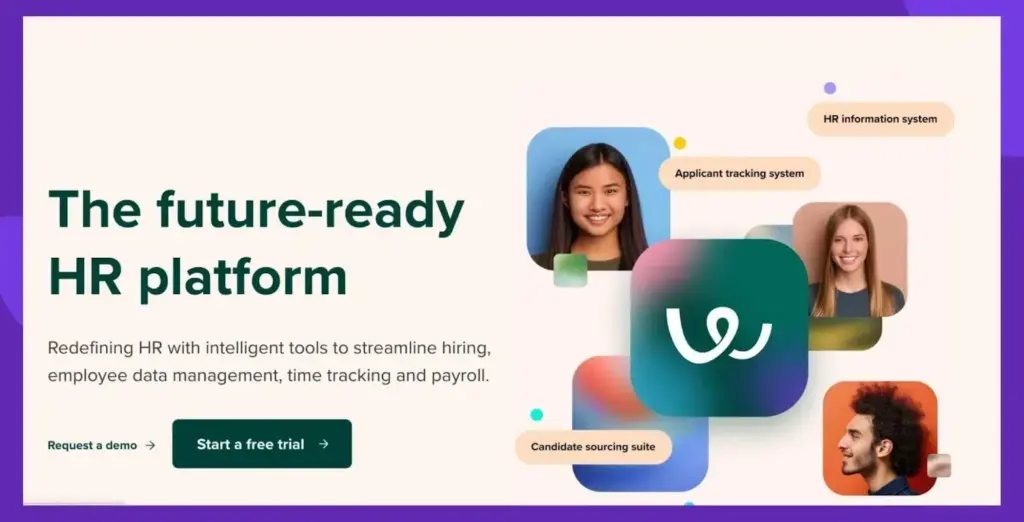
Workable is an all-in-one HR platform that handles payroll, time tracking, and employee data management for your organization. Workable has a vast database of 400m+ candidate profiles that can be used to find qualified candidates for a job opening.
Key Features
Automated Social Media Promotion: This feature lets you expand your reach. You can easily promote your job ads across most of the popular social platforms so that you can reach relevant candidates.
Chrome LinkedIn Extension: As the name suggests, this feature helps you add LinkedIn profiles with the help of LinkedIn’s PDF download functionality. The Chrome extension makes sure that this process is achieved with a single click.
Referral Programs: You can create and manage employee referral programs within Workable. You get access to features like an internal job board, social sharing tools, and gamified rewards.
Pricing
Workable offers three plans: Starter at $249/month for occasional hiring with up to 2 active jobs, Standard at $420/month with unlimited jobs, and Premier at $8,148/year for comprehensive enterprise features including support for five native languages.
14) HireVue
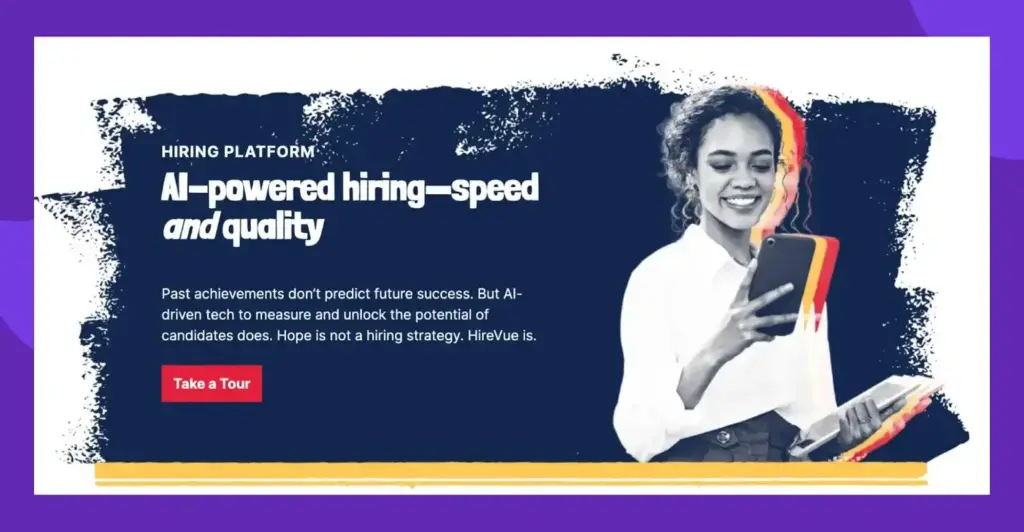
HireVue is an AI recruiting software that is known for speeding up your hiring process. The platform supports all kinds of hiring, including graduate, casual, professional, and technical. The standout aspect of HireVue is that it is highly beneficial for both the candidates and the employers.
Key Features
Interview Builder: This module of HireVue lets you build a structured interview process with the help of auto-suggested job-related competencies and interview questions.
Text Recruiting: A one-of-a-kind hiring feature where you connect with candidates via direct messaging and contact them at scale. Run personalized SMS campaigns to your existing talent pool to engage and qualify them before scheduling an interview.
Conversational AI: This AI-powered feature is HireVue’s very own conversational assistant that helps candidates match to roles that align with their skills.
Pricing
Pricing is available upon request.
15) Fetcher
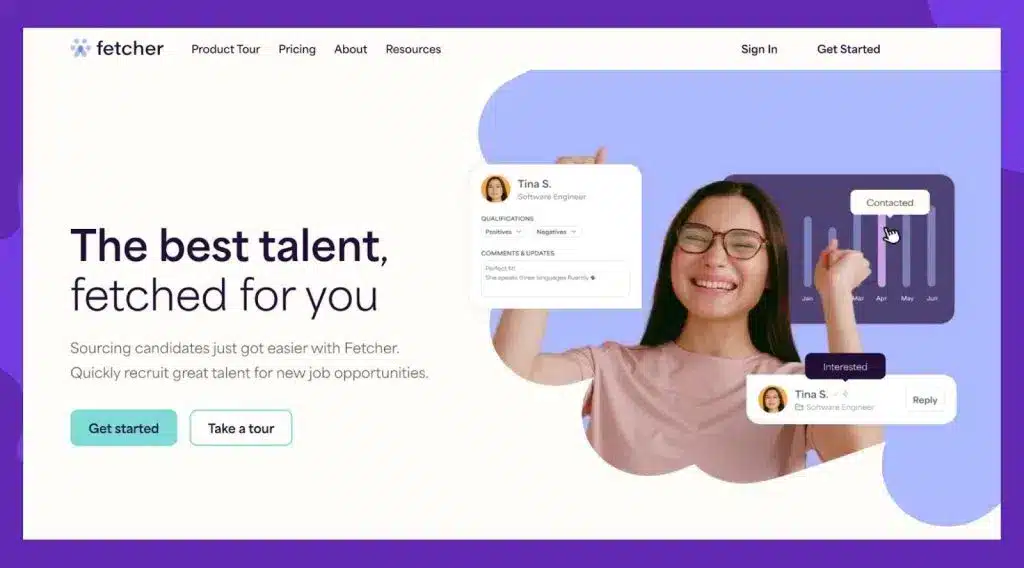
Fetcher is an AI candidate sourcing tool targeted at modern recruiters. The platform uses advanced AI technology and the experience of its team to consistently source high-quality candidate profiles for your open positions.
Key Features
Profile Refreshes: Fetcher ensures that all your candidate profiles are up to date due to the unlimited profile refreshes it offers. This means no quality candidates fall through the cracks just because of outdated information.
LinkedIn Source Plugin: This feature pulls data from LinkedIn into the Fetcher database so that you will have access to candidate profiles that go beyond the pool in Fetcher. The best part is Fetcher will enrich the contact information of the pulled profiles.
Templatized Email Outreach: Fetcher offers a plethora of email templates and the ability to utilize tokens to quickly reach out to candidates without compromising on personalization.
Pricing
Fetcher provides two main plans at $379/month for Growth with core sourcing features and $649/month for Amplify including a dedicated sourcer for 4-6 roles, with additional Enterprise options available for larger organizations.
Now that we’ve looked at the top tools, let’s quickly see what features are a MUST for your organization to succeed.
What are the Key Features Required in an Online Recruitment Tool?
The right recruitment platform streamlines hiring while improving candidate quality. When evaluating options for your organization, focus on these five critical capabilities:
01. AI Resume Screening
Look for intelligent parsing that can evaluate resumes against your specific job requirements. The best tools like Peoplebox.ai not only extract key information but also rank candidates based on skills match and potential cultural fit, saving your team hours of manual screening while reducing unconscious bias.
02. Comprehensive Applicant Tracking
Ensure the platform offers customizable workflows that match your hiring process. Your ATS should provide clear visibility into each candidate’s status, enable team-based evaluations, and send automated updates to keep all stakeholders informed. This creates accountability and prevents qualified candidates from falling through the cracks.
03. Smart Interview Scheduling
Choose tools with two-way calendar synchronization that detects availability across team members automatically. The scheduling system should send personalized reminders, accommodate time zone differences, and enable candidates to self-schedule without lengthy email exchanges, reducing your time-to-hire by days or even weeks.
04. Data-Driven Analytics
Prioritize platforms with customizable dashboards that track metrics meaningful to your organization. Look beyond basic reporting to solutions offering predictive analytics that can identify bottlenecks in your hiring process and suggest improvements based on historical performance data.
05. Proactive Candidate Relationship Management
Select tools with automated yet personalized communication capabilities. Your platform should enable targeted talent pool segmentation, scheduled check-ins with promising candidates, and integration with your email marketing tools to maintain engagement over time, building a pipeline of pre-qualified talent for future openings.
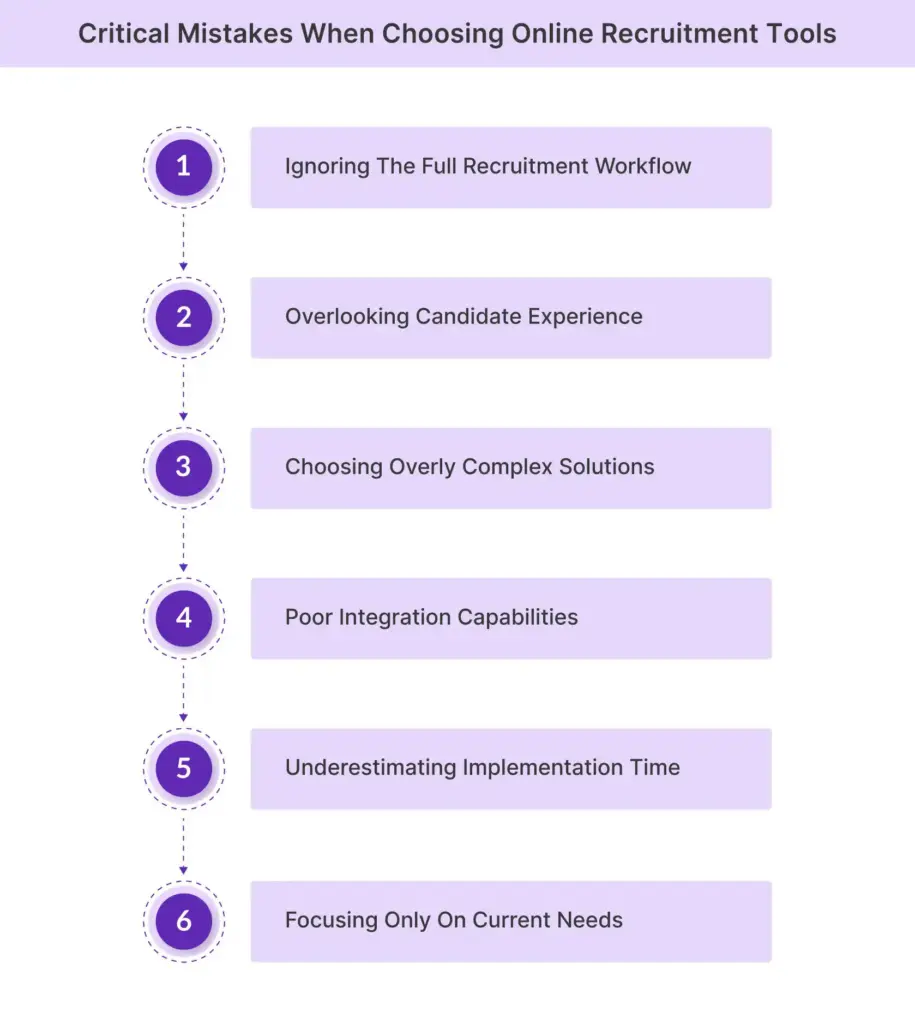
Here are some mistakes you must avoid while choosing an online recruitment tool:
1. Ignoring the Full Recruitment Workflow
Why This Happens: Teams focus on solving specific pain points without considering how the tool fits into their entire hiring process.
The Consequences: Disconnected processes, manual workarounds, and frustrated hiring managers.
Take Action:
Document your current recruitment process from sourcing to onboarding
Identify specific handoff points between stages that must be seamless
Create a checklist of requirements that address your complete workflow
Have vendors demonstrate how their solution handles your specific process scenarios
Run a hypothetical candidate through the entire journey in each system you’re considering to identify potential workflow breaks.
2. Overlooking Candidate Experience
Why This Happens: Internal efficiency takes priority over applicant-facing elements during evaluation.
The Consequences: Increased application abandonment rates and loss of top talent to competitors with smoother processes.
Take Action:
Complete the application process yourself on desktop and mobile devices
Measure the time required to apply and the number of steps involved
Invite recent hires to provide feedback on your current application process
Prioritize tools that offer customizable application forms and mobile responsiveness
Set up a test candidate account to experience the full application process from the candidate’s perspective.
3. Choosing Overly Complex Solutions
Why This Happens: Feature-rich platforms seem attractive during demos, leading to “feature fever” during selection.
The Consequences: Low adoption rates, wasted budget on unused capabilities, and team confusion.
Take Action:
Begin with core modules that address your most critical pain points
Establish clear adoption metrics before expanding functionality
Schedule phased implementation with adequate team training between phases
Negotiate contracts that allow module-by-module activation
Create a 30/60/90 day implementation roadmap with specific feature adoption goals at each milestone.
4. Poor Integration Capabilities
Why This Happens: Compatibility with existing systems is often assumed rather than verified through technical assessment.
The Consequences: Data silos, manual data entry, and inconsistent candidate information across systems.
Take Action:
Document all systems that need to connect with your recruitment tool
Request technical specifications for each integration point
Ask for customer references using the same integrations you require
Test integrations during your trial period with actual data
Create a data flow diagram showing how information should move between systems and use this as an evaluation tool.
5. Underestimating Implementation Time
Why This Happens: Vendor timelines often represent best-case scenarios without accounting for your organization’s specific complexities.
The Consequences: Delayed launches, team frustration, and recruitment bottlenecks during transition.
Take Action:
Allow 2-3x the vendor’s estimated implementation timeline
Identify and prepare historical data for migration
Schedule training sessions before and after implementation
Create role-specific quick reference guides for different user types
Designate “power users” who receive advanced training and can support their departments during the transition.
6. Focusing Only on Current Needs
Why This Happens: Immediate pain points overshadow consideration of future requirements and organizational growth.
The Consequences: Premature system replacement, unexpected cost increases, and functionality limitations.
Take Action:
Review your company’s 3-5 year growth plan and projected hiring needs
Evaluate the vendor’s product roadmap and release history
Confirm pricing models as you scale (per user, per hire, etc.)
Assess the vendor’s support for international expansion if relevant
Include stakeholders from fast-growing departments in the selection process to ensure their future needs are considered.
Why is Peoplebox.ai the Best Online Recruitment Tool in 2026?
Quite simple. We are living in a time when recruitment isn’t just about finding candidates, but about finding the right candidates faster. Peoplebox.ai leads the way in this area by combining AI-powered intelligence and a user-friendly experience to streamline hiring.
Unlike traditional recruitment platforms, Peoplebox.ai goes beyond resume storage. Its AI-driven matching, automated resume parsing, and deep integration with workplace tools like Slack, Microsoft Teams, and HRIS systems all ensure that you hire consistently better with confidence.
If you want to check out first-hand the tremendous capabilities of Peoplebox.ai, book a free demo now.
FAQs
Who can get the most from recruiter tools?
Everyone who is involved in the recruitment of employees in an organization can get the most out of recruiter tools. It could be an HR professional, the department hiring manager, or even someone from the leadership who wishes to access hiring-related data for strategic decision-making.
What’s the best online recruitment tool?
The best recruitment tool depends on your organization’s specific needs. Peoplebox.ai stands out for companies seeking a comprehensive solution that combines powerful AI automation with robust talent management capabilities. Its ability to integrate with existing workplace tools while providing accurate skills matching and cultural fit assessment makes it particularly valuable for organizations looking to reduce hiring time without sacrificing quality.
How to choose the right online recruitment tool in 2026?
The right online recruitment tool will have all the must-have features discussed in this post. More importantly, it should integrate with your existing HR stack and should be under your budget. Peoplebox.ai excels in all these areas with its intuitive design, powerful automation features, and seamless integration capabilities.
What are the different types of recruitment software?
The four different types of recruitment software are candidate sourcing tools, candidate engagement tools, hiring tools, and interview/assessment tools.
Why do you need an AI-powered recruitment tool?
An AI-powered recruitment tool offers the necessary scalability and speed to manage your recruitment process without compromising on accuracy and personalization. Platforms like Peoplebox.ai come loaded with a powerful AI engine to streamline and automate most of your recruitment activities.
How do recruitment tools integrate with existing HR software?
Most recruitment tools offer native integration with HRIS, payroll, communication tools, onboarding software, etc. There is also the option to connect the rest of the tools with APIs. Peoplebox.ai, for instance, integrates with communication tools like MS Teams and Slack, HRIS like Darwinbox, Bamboo HR, Zoho People, etc.
What’s the learning curve for implementing a new recruitment tool?
Most modern tools have no learning curve at all, thanks to their intuitive interfaces. Platforms like Peoplebox.ai are designed for beginners, and one can extract value from the tool from day one. There are also abundant training resources to ensure smooth adoption within days.
What metrics should I track with my recruitment tool?
Some of the key metrics you could track with your recruitment tool include time-to-hire, cost-per-hire, candidate source effectiveness, application completion rate, hiring funnel efficiency, and diversity hiring stats, among others.
What security features should I look for in a recruitment tool?
Prioritize recruitment platforms with robust data encryption, role-based access control, and compliance with regulations like GDPR and CCPA. Peoplebox.ai incorporates enterprise-grade security measures including multi-factor authentication, regular security audits, and comprehensive data protection protocols to keep your candidate information and company data secure.
What stood out is the deep understanding of the Peoplebox.ai team and their willingness to listen & enhance the platform to scale with our long-term needs.
Khilan Haria
VP and Head of Payments Product, Razorpay
I'm glad that we partnered with Peoplebox.ai for our company-wide OKR rollout. Thanks to its simplicity, we achieved significant adoption within two quarters
Rohit Arumugam
Business Head, Nova Benefits
Since we started using Peoplebox.ai, we have been able to bring all of our leadership across the organization together and show them how all of our goals align
Jaclyn Hoover
Senior Director HR, Propel School
Driving the entire interface through slack is simply brilliant especially for a tech product company! There was zero time spent on training! It can not get easier than that!
Swapna Nair
VP - HR, Khatabook
I chose Peoplebox.ai because it had integrations with the tools we use for sales and engineering to automate updating of key results and sync projects
How to Roll Out OKRs for First Time: 7 Steps Startegy
How to Roll out OKRs for the first time is a question common among organizations just introducing OKRs.
Imagine a scenario-
You are rolling out OKR for the first time.
One thing goes wrong and… Boom!
Your employees are already hating the process- even before it took a pace.
You certainly wouldn’t want that to happen in your organization. OKRs can surcharge and accelerate your organizational growth. But the key is to get this done right.
That’s why a well-planned rollout is significant for the success of an OKR system.
Introduce the new goal-setting approach strategically but not in a mechanical process. Every organization is unique and can face unique challenges while implementing OKRs.
[elementor-template id=”89725″]
How to roll out OKRs: Here are 7 Best Practices for a successful OKR rollout
1 Communicate the OKR Methodology to all the teams
Get everyone in the organization on board with OKRs. Present the concept clearly and precisely. Educate everyone on the OKR language.
While some people will embrace the changes with open arms, there are also going to be some skeptics into the bargain. You must let them express their concerns and provide answers to their “why, how, and what?” questions.
Explain to them the benefits of implementing the OKR framework. Highlight how it’s going to impact the business and the individual success of the employees.
Organize workshops, training, discussions, introductory presentations, and seminars to help your employees’ design quality OKRs. Transparently explain to them the strategic execution, alignment, expectations, and tools they will be required to use for the purpose.
To help everyone speak the same language, document your company OKR framework
2 Inspire with success stories
List the names of reputed companies like Google, Netflix, Intel, LinkedIn, Twitter, etc. which have successfully implemented OKRs. Narrate their success stories to help them visualize how OKRs can cater to their individual success.
For example, OKRs helped LinkedIn become a 20 Billion Company. Jeff Weiner, CEO of LinkedIn, describes OKRs as, “something you want to accomplish over a specific period of time that leans toward a stretch goal rather than a stated plan.
It’s something where you want to create greater urgency, greater mindshare.”
You can either go for an organization-wide rollout Consider running an OKR Pilot first, depending on what fits you best.
If you have a culture that’s open to change and a flexible structure of functioning, an organization-wide rollout will work best for you. But it’s always best to take small steps. Start from one part and gradually move to others.
[elementor-template id=”89725″]
Crafting and implementing OKRs across the entire organization can seem overwhelming especially if you are a large organization. Instead, choose a particular part of the organization and run a pilot project.
“If you concentrate on small, manageable steps you can cross unimaginable distances.”
It’s also important to decide “how often?” will OKRs be reviewed. Will it be done quarterly or annually?
4 Go for the Top-down approach
A top-down approach to OKRs was the first pattern attempted. The top management has a significant role in setting the overall direction of the company. Starting from the top provides clarity for the rest of the organization.
“People buy into the leader before they buy into the vision.”
For example, you can start with the senior leadership team. Make them an example to roll out OKRs to the departmental heads. From there you can move on to team leaders, and to the rest of your teams.
5 Get aligned
You can’t just sit with a blank sheet in front and magically start crafting the perfect OKRs. You need to understand the context. Make the company mission and vision your starting point and tailor your OKRs accordingly.
Buy-ins are critical for OKR success. The success of OKRs depends on the collective effort of each team member. You can imagine it as a group dance performance where everyone needs to perform their parts well to make it a masterpiece.
Thus you need to align the efforts of the workforce, executive leaders, and company heads both horizontally and vertically. This will help you foster transparency, smooth cross-functional communication, and reduce overlap among departments.
6 Track and monitor progress
Tracking OKRs are important to evaluate and measure the progress and understand which teams are falling short.
You can identify any issues and make course corrections as required by Monitoring progress.
Leverage technology to track OKRs. It will make the process transparent.
Using OKR software will also automate the calculations and save your time as you are no longer required to manually update the progress of each team member.
Bonus tip: Remember to celebrate whenever you Hit the nail on the head through OKR win meetings and shoutouts to keep
7 Do frequent check-ins
To stay on top of OKR progress, you need to do regular check-ins. Employees might feel overwhelmed with concerns and doubts, especially in the initial days.
Regular check-ins will give your employees direction. And provide them the required assistance and guidance. Frequent Check-in meetings will also identify the overlappings, increase accountability and ensure execution.
Define your preferred frequency of Check-in meetings. You can do it weekly or monthly as per your organization’s needs. Although weekly check-ins are most recommended to keep track of the progress and evaluate continuously.
Have OKR Champions
Consider having OKR champion who starts implementing the OKR framework with a strong war cry. Build a team of champions who will work as ambassadors to head the change. And make the OKR framework run smoothing across the organization.
They work as mentors and internal OKR experts. And can help you adopt and execute OKRs at all levels of the organization. These OKR enthusiasts will make sure that every concern is addressed, every ‘whys and wherefores’ are explained.
Too many objectives and key results: Less is more. Don’t set more than 5-7 Objectives and 3-5 key results.
Fill it, Forget it: Don’t set OKRs just to forget in a few days.
Mixing KPIs with OKRs: KPIs aren’t a substitution for OKRs. They have separate roles and outcomes.
Rigidity: Rigid adherence to rules can lead to disengagement. Instead, move forward with a flexible and intuitive OKR approach
Link OKRs with Recognition: Don’t make the mistake of making OKRs a base for your reward and recognition program. It can negatively affect performance. And compromises the business output.
The start is never perfect
You might struggle when you are just starting. But after a few OKR cycles, you are sure to hit your stride.
To end, OKR’s success depends on consistency. So, remember to continuously reflect, learn, and refine the process.
Hope we were able to answer all your queries in our blog How to roll out OKRs for the first time? If you have questions feel free to comment below.
Pooja Pooja
Types of OKRs: Aspirational OKRs vs Committed OKRs
Every organization wants to grow, but how do you set goals that are both achievable and visionary? The answer lies in the types of OKRs: committed and aspirational.
Whether it’s near-term performance or long-term innovation for your business, you’ll know just how to leverage the power of committed and aspirational OKRs effectively to unlock new levels of success for your business.
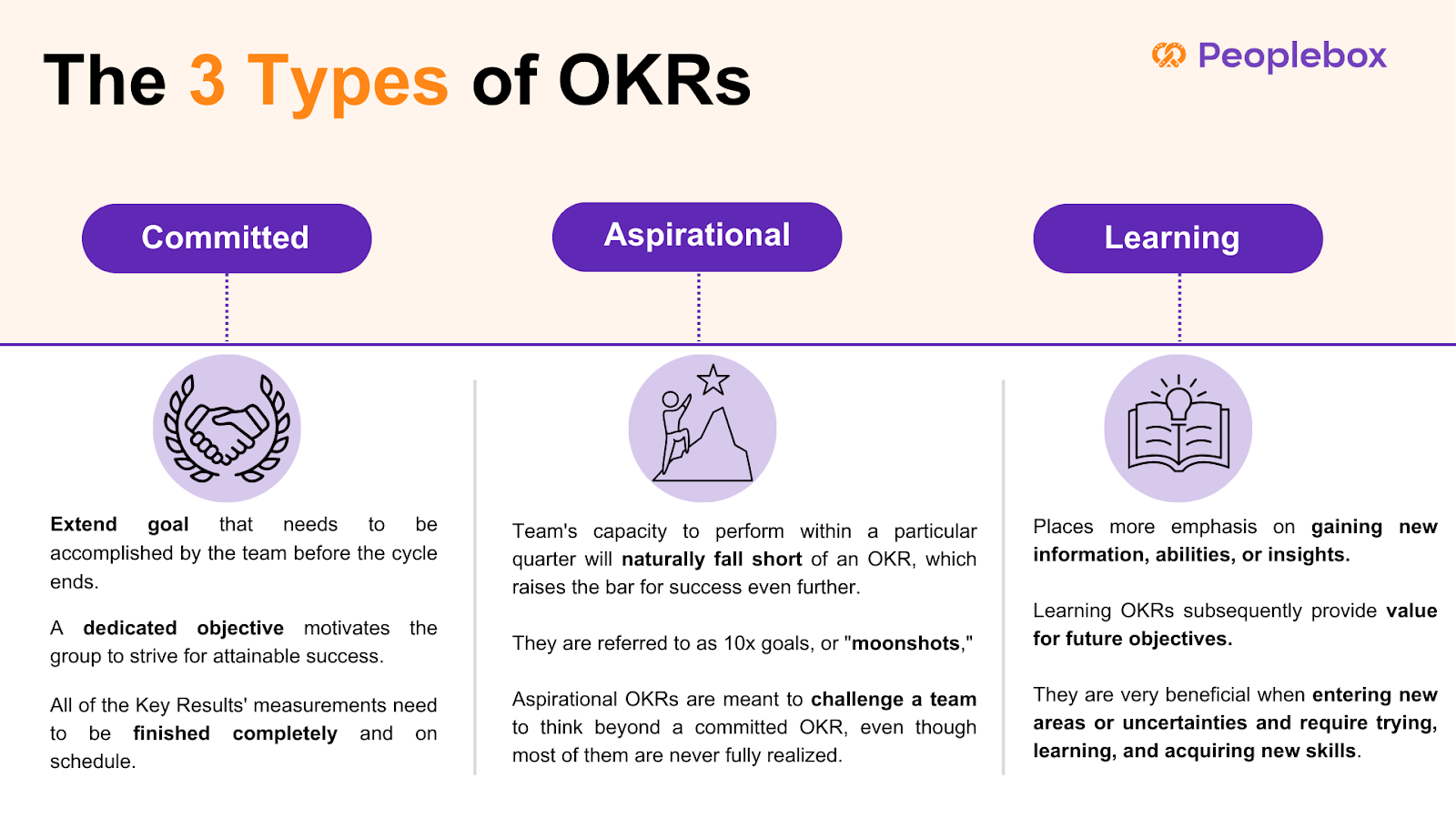
Committed OKRs are about clear, attainable targets that teams can confidently deliver within a set timeframe. This type of OKR delivers accountability and is important for day-to-day business success.
Aspirational OKRs, on the other hand; push teams to be bigger and challenge themselves. The moonshots: ambitious OKRs are meant to stretch an organization from its comfort zone, kindling innovation and long-term growth.
In the rest of this blog, we will take the difference between these two types of OKR apart and see how to balance them in such a way that they enable performance as well as inspiration.
What are Aspirational OKRs and Other Types of OKRs?
A committed OKR is a stretch goal that the team has to achieve or complete before the cycle is over. A committed goal pushes the team to reach, but still achievable attainment. All metrics of the Key Results must be completed fully and on time. Consider a situation like this:
Daniel’s organization and his teams have agreed to execute certain OKRs and have mapped a precise action plan on how they are going to do so.
These are called Committed OKRs.
An aspirational OKR sets the bar for success further out, and by design will exceed a team’s ability to execute in a given quarter. When they set such a high bar as to be seemingly impossible they are called 10x goals, or “moonshots.” While most aspirational OKRs are never fully achieved, they exist to push a team to think bigger than a committed OKR. Consider the following case:
Martha’s organization is more visionary. They have stretched goals. And her teams are not likely to fully achieve these ambitious goals.
These are called Aspirational OKRs.
Understanding the distinction between aspirational and committed goals is crucial for effective goal-setting and team motivation within the OKR framework. Aspirational goals encourage ambitious thinking and long-term vision, while committed goals focus on immediate, measurable outcomes.
Learning OKR focuses on the acquisition of knowledge, new skills, or insights rather than a direct achievement of business outputs. Extremely helpful when entering new areas or uncertainties and requires experimenting, learning, and developing new skills, Learning OKRs distinguish between usual output measuring of success and measuring acquisition of knowledge, that will later add value for future objectives. For example:
Jerry wants to gain a deep understanding of machine learning to drive full product development. He wants to finish three advanced courses and test his skills by building a model in sandbox.
These are called Learning OKRs.
Aspirational OKRs and Committed OKRs: Key differences
When you aim for the stars, you may come up short, but still reach the moon.
– Larry Page
Read on to find out the key difference between Committed OKRs and Aspirational OKRs.
Objective
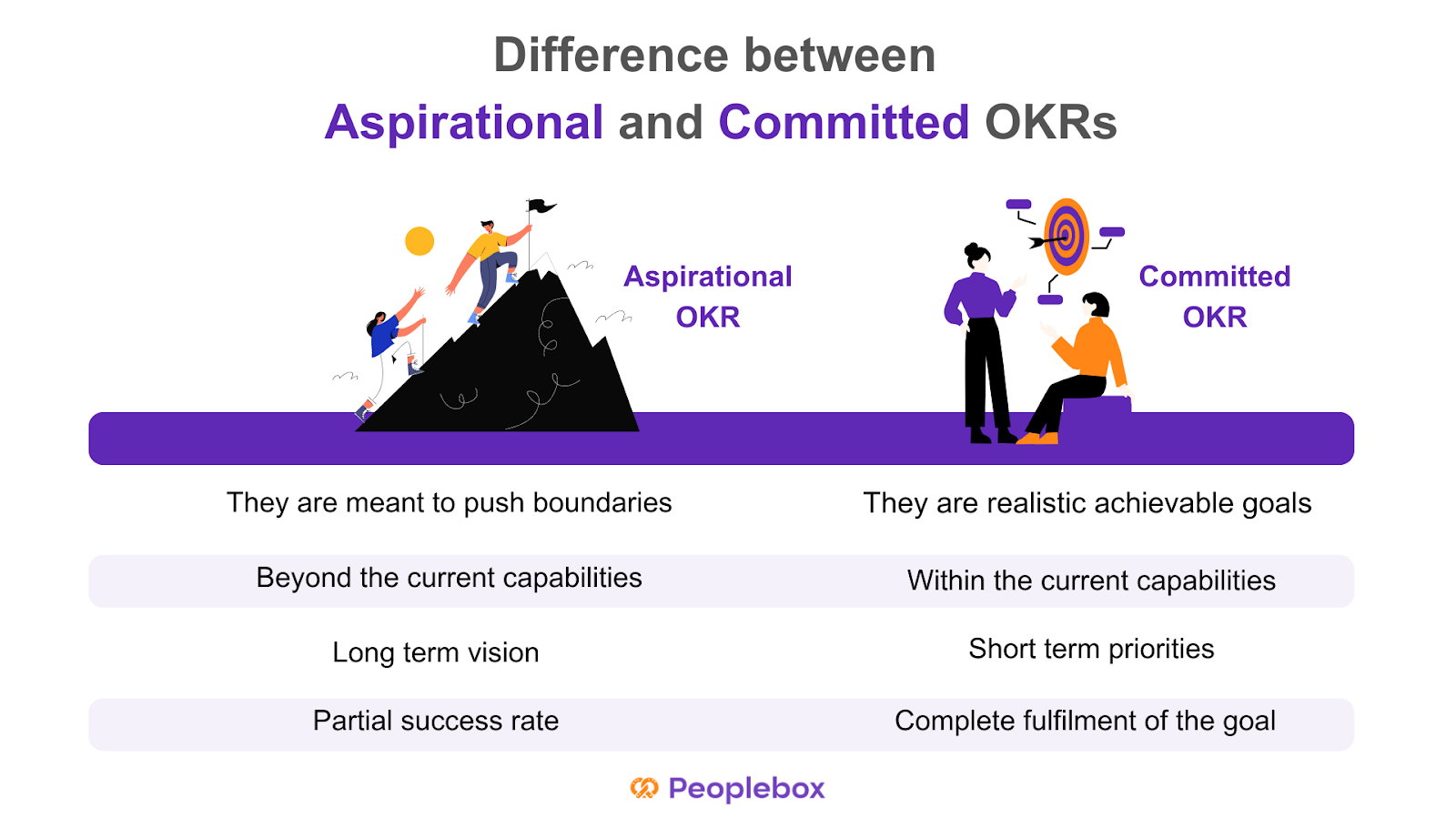
Aspirational OKRs are meant to push the boundaries and encourage employees to achieve visionary objectives. Committed OKRs, on the other hand, focus on committed objectives that offer a more realistic vision of goals with fully achievable results.
Aim
Committed OKRs help companies achieve their goals through individual and team achievements. Aspirational OKRs are often beyond the current capacities of the organization but help in pushing boundaries.
Timeframe
Aspirational OKRs are usually created to focus on long-term strategic vision while Committed OKRs offer short-term operational priorities to guarantee progress in the short term.
Committed OKRs are supposed to have a 100% success rate as each key result comprises fully achievable targets. Aspirational OKRs are usually found to have a success rate of 60-70%.
Committed and Aspirational OKR examples
The difference between committed and aspirational OKRs is subtle. Committed objectives are meant to be fully achievable, requiring teams to concentrate on straightforward priorities without taking unnecessary risks, ultimately serving as motivational tools to foster small wins and consistent progress.
A standard example in the sales team scenario might be like:
Committed OKR
O: Expand to the US market
KR1: Close first 6 start-ups
KR2: Get a meeting-to-close rate of 6%
KR3: Reach average deal size of $200
Aspirational OKR
O: Capture the entire US market in one quarter
KR1: Get onboard 95% of big customers in the US market to grow over competitors
KR2: Get a meeting-to-close rate of 30%
KR3: Reach average deal size of $2000
In the managerial team, these OKRs can manifest like such:
Committed OKR
O: Improve customer satisfaction with the existing solutions
KR1: Increase customer satisfaction score (CSAT) from 85% to 90% by the end of the quarter.
KR2: Reduce average response time from 15 minutes to 10 minutes within the next three months.
KR3: Train 100% of the support team on the new customer service tools within six weeks.
Aspirational OKR
O: Become the market leader in AI-powered customer service solutions.
KR1: Achieve a 30% market share in the AI customer service industry by the end of next year.
KR2: Launch three groundbreaking AI features that no competitor currently offers within 18 months.
KR3: Secure a partnership with at least two top-tier companies by the end of next year.
In a tech context, OKRs like these can come up:
Committed OKR
O: Improve the performance of the app and reliability
KR1: Reduce app crash rate from 2.5% to under 1% within the next quarter.
KR2: Decrease page load times by 30% in six months.
KR3: Fix 100% of the top ten reported bugs within the next two sprints.
Aspirational OKR
O: Revolutionize the user experience of our mobile app.
KR1: Increase daily active users (DAU) by 100% within 12 months.
KR2: Develop and launch a fully AI-driven recommendation system that personalizes the user experience by the end of the year.
KR3: Achieve a 4.8+ rating across app stores by introducing five innovative features within the next 18 months.
How to decide between Committed OKRs and Aspirational OKRs?
Committed OKRs will work best if your organization is newly introduced to the framework or is still in the rolling-out phase.
With each goal achieved, your team’s motivation and engagement will rise higher. In addition, teams easily get into the habit of running Committed OKRs and make it part of their work culture.
But if you have already used the framework in the past, aspirational OKRs can do wonders for you.
Creating a result-driven work culture takes time. It demands discipline, continuous effort, and a mindset shift of employees and management. So you should start simple and focus on learning the methodology first. And set up the necessary processes to make it work.
Setting aspirational OKRs in the very beginning would make your teams feel overwhelmed and over-pressurized. Extremely ambitious Key Results soon become too much to handle. Learning a new methodology takes time. Once your teams are used to the framework and it becomes a part of their work-life, you can consider aspirational OKRs.
With the later process, you can have objectives and a combination of committed and aspirational key results. While some key results will be easier to achieve, others will aim higher. Understanding the distinction between aspirational and committed goals is crucial for better goal-setting and team motivation.
Choosing the Right Type of OKRs
Choosing the right type of OKRs depends on the organization’s goals, culture, and priorities. Committed OKRs are suitable for organizations that need to achieve specific, measurable outcomes within a set timeframe. They are ideal for teams that require a clear direction and a sense of accountability. Aspirational OKRs, on the other hand, are suitable for organizations that want to drive innovation, creativity, and excellence. They are ideal for teams that want to push the boundaries and strive for something bigger.
When choosing between Committed and Aspirational OKRs, consider the following factors:
What are the organization’s goals and priorities?
What type of culture do we want to foster?
What kind of outcomes do we want to achieve?
What level of risk are we willing to take?
By considering these factors, organizations can choose the right type of OKRs that align with their goals, culture, and priorities. Whether you opt for committed or aspirational OKRs, the key is to ensure that they are aligned with your company aims and internal communication processes, fostering a balanced approach to achieving both immediate and long-term objectives.
How to balance Committed and Aspirational OKRs?
There is no one-size-fits-all answer, but where OKRs are aligned with company strategy, teams are well educated, open communication exists, and performance is reviewed regularly, it will help keep the balance between aspirational and committed OKRs intact.
However, the first step in finding equilibrium between the two forms of OKRs is that there has to be a knowledge of the difference. It needs to be apparent from the outset that everyone involved makes it clear the distinction between the two OKRs.
Teams and employees may have suitable insights that will assist in determining what is realistically achievable (committed) and what is a stretch but possible (aspirational). This can help determine what the balance ratio for the OKRs is going to be.
A very critical element to succeed with OKRs is reviewing and tracking the progress. With weekly check-ins, teams can go through their OKRs regularly and update the same performance data. It becomes easy to track how they have progressed on the outcome of the OKR in the OKR review process.
The grading of OKRs is very clear on the distinction between committed and aspirational goals. Committed OKRs are things to be accomplished within the cycle, and grading is binary: pass or fail. That is, an OKR is said to be successful if 100% of it is accomplished; otherwise, it is regarded as a failure. Aspirational OKRs, on the other hand, are graded along a more nuanced scale.
Common mistakes to avoid while setting up Aspirational OKRs
Here are 6 common mistakes organizations commit while setting up aspirational OKRs-
1️⃣Ignoring organizational structure and needs
A common mistake most organizations commit while writing aspirational OKRs is to write something like, “What can be done more if we have extra resources and luck favors us ?” Instead, you can pretend to be a genie and strive to understand “What our customer needs at present moment?”
2️⃣Unrealistic aspirational OKRs
Aspirational OKRs don’t imply setting unrealistic goals. It should be achievable, with the understanding that your teams won’t have any clue about how to achieve these OKRs. Aspirational OKRs demand overuse of resources. They are fluid and flexible. But still helps your teams focus on well-defined goals.
3️⃣Writing a low-value objective (LVO)
Moving forward with a “Who cares?” attitude is a common pitfall among organizations. Low-value objectives go unnoticed even after the successful completion of the key results.
4️⃣OKRs should be framed to gain tangible benefit
OKRs are a tool for organizations to work for big goals in the long run by breaking them into small chunks that can be achieved within a shorter cycle.
5️⃣A committed OKR must deliver a 1.0
It makes the framework stiff and doesn’t leave scope for improvement.
6️⃣Too many OKRs
How many aspirational OKRs you should set for one cycle will depend on your company’s resources. But never aim for too many Objectives and key results. As it can easily divert your focus altogether.
Best Practices for Implementing OKRs
Implementing OKRs requires a structured approach to ensure success. Here are some best practices to consider:
Align OKRs with company goals: Ensure that OKRs align with the organization’s overall goals and priorities.
Make OKRs specific and measurable: Ensure that OKRs are specific, measurable, achievable, relevant, and time-bound (SMART).
Set ambitious yet achievable goals: Set goals that are challenging yet achievable, and provide a clear direction for the team.
Establish clear key results: Establish clear key results that indicate progress towards achieving the objective.
Track progress regularly: Track progress regularly and provide feedback to teams and individuals.
Foster a culture of transparency and accountability: Foster a culture of transparency and accountability, where teams and individuals are held accountable for their progress.
Provide training and support: Provide training and support to teams and individuals to ensure they understand the OKR framework and how to use it effectively.
Review and adjust OKRs regularly: Review and adjust OKRs regularly to ensure they remain relevant and aligned with the organization’s goals.
By following these best practices, organizations can implement OKRs effectively and achieve their goals. Regularly reviewing and adjusting OKRs ensures that they stay aligned with the evolving needs of the organization, helping teams to maintain focus and drive continuous improvement.
Conclusion
Now that you know the difference between committed and aspirational OKRs and how they can impact your organization’s success, it’s the decision time. Choose the one that will best suit your purpose.
And don’t forget it’s a trial and error method. Have regular OKR check-ins and reviews. Collect feedback during and after each cycle. And use your learnings to avoid further mistakes in the next OKR cycle.
Pooja Pooja
Quarterly OKRs: 5 Tips for Successful Wrap-Up
Imagine a scene! the quarter is about to end and it’s time to review and wrap up quarterly OKRs.
The clock’s ticking. Everyone is in a rush. And you are busy evaluating which goals are yet to be achieved. And what has already been done. It’s also time to think about your priorities for the next quarter.
There are so many checklists and questions going in your head.
Have my teams found ways of closing out quarterly OKRs? Will my teams beat the clock and tick all the boxes? Have they reflected on their OKR progress? How will I deal with this end-of-quarter OKRs rush?
Feeling overwhelmed!!
Here is a step by step guide to help you prepare best to wrap up your quarterly OKRs–
Before you start to review and wrap up quarterly OKRs- remember that wrapping up quarterly OKRs is teamwork. And to see the best results every team irrespective of their department have to come together.
Track your team’s OKR progress and gather the key results scores. You can score your OKRs on a scale of 1 to 10 on the basis of how far the objectives have been achieved.
This will help you evaluate your progress in a truly data-driven manner.
If the scores are low this might suggest that your OKRs were unrealistic. On the other hand, if the score is too high it may suggest that your OKRs were not ambitious enough.
Whatever learning you made from this process. It will help you to form the basis for designing your next set of quarterly OKRs.
Make sure everyone is up to date
It is important to ensure that your teams have clarity about their OKR status. At the same time, they have visibility into what other teams have been doing. It can be achieved through regular check-ins with your teams. Check this ebook on OKR handbook.
This step will help you check if your teams are aligned or not. When everyone in your team is on the same page taking decisions based on priorities becomes easy. As you have the data in hand to rely on instead of guessing.
Organize OKR check-ins
The importance of check-ins for OKR success cannot be emphasized enough. OKR check-ins provide you an opportunity to have 1 on 1 discussion in all OKR matters.
With OKR check-ins you can discuss with your leaders and team members about – what went well, what didn’t work for them, what needs to be dealt with immediately, what problems they are facing etc. at an individual as well as team level.
OKR check-ins will help you understand what’s holding teams back. You will further get the chance to push priorities that might have shifted midway.
Dig into opportunities
Organize Quarterly OKRs review meetings to dig into opportunities. During these meetings, go through each key result with your teams. Find out what went well and what needs to be done better.
Let the OKR leaders from each team present their learnings and achievements before everyone. Here teams can give a small presentation highlighting the most important lessons with context.
So that other teams can benefit from their learnings and experiences. And use them in designing their OKRs for the next quarter.
If you are a large-scale company working with multiple departments. The OKR review meetings can be held at the departmental level.
Plan the future
Now that you have gathered the data and matrix you need through OKR check-ins and OKR review meetings. It’s high time to plan for the next quarter.
OKRs have the power to build the future of your organization. But OKR failures can cost you a fortune.
Hence it’s important to find out the core reasons behind your OKR success or failure for the present quarter. And use it as context while designing OKRs for the next quarter.
[elementor-template id=”89725″]
Do you need to plan new OKRs every quarter?
“Should OKRs change every quarter?” is a question often left unanswered.
Even after an OKR is achieved, you can roll it forward for the next quarter if necessary.
For example, if your OKR was to increase customer satisfaction by 20% in the present quarter. This could be relevant even for the next few quarters.
In case, of missed OKRs, you need to take a call. And decide whether you want to carry it forward or set new OKRs based on the data gathered.
When should you review and wrap up Quarterly OKRs
You should preferably wrap up the quarterly OKRs at least a week prior to the beginning of the next quarter.
But the preparation and discussions for the next quarter should be initiated almost a month before the new quarter begins. This is because designing OKRs takes dedication, time, and effort.
Bonus Tips:
Maintain Transparency from day one. Keep data transparent so that everyone knows how it’s going.
Create a culture of critical feedback. Be honest when it comes to feedback. At the same time be open to getting feedback from your teams as well.
Celebrate wins– even the smallest ones. Recognize your teams for their achievements more often.
Over-communicate. Communication is the key when it comes to wrapping up quarterly OKRs.
Take a moment
Wrapping up end-of-quarter OKRs will allow you to pause and take a moment to think. It provides you time to reflect on your wins, failures, and setbacks. It’s a stitch in time to make sure that your OKR framework is a success.
Follow the steps given to close out quarterly OKRs and make the most out of the process.